

TL;DR:
- Integrating restaurant systems automates data flow, reducing errors and saving time.
- It provides real-time financial insights essential for managing costs and margins.
- Choice of platforms like Xero or Sage depends on restaurant complexity and operational needs.
Running a restaurant in the UK means juggling dozens of moving parts at once. When your point-of-sale (POS) system, payroll software, and supplier invoices all live in separate places, reconciling them manually eats up hours you simply do not have. Errors creep in, costs spiral, and by the time you spot a problem, the damage is already done. Integration transforms reactive accounting into proactive cost control, giving independents the same real-time transparency that large chains rely on. This guide walks you through what accounting integration actually means, how it works in practice, and how to choose the right tools for your restaurant.
Table of Contents
- What is accounting integration and why does it matter?
- How integration streamlines UK restaurant operations
- Choosing the right platforms: Sage Intacct, Xero and beyond
- Common challenges and how UK restaurants overcome them
- Why integration changes everything for independents
- Level up your restaurant's finances with seamless integration
- Frequently asked questions
Key Takeaways
| Point | Details |
|---|---|
| Integration reduces manual errors | Connecting systems means less double entry and fewer costly mistakes. |
| Faster data, smarter decisions | Real-time financials enable owners to act quickly on costs and cash flow. |
| Choosing the right platform is key | Pick accounting tools that suit your restaurant’s needs and integrate well with POS. |
| Expect and overcome hurdles | With the right prep and advice, most integration problems are manageable. |
What is accounting integration and why does it matter?
Accounting integration means connecting your various business systems so that financial data moves automatically between them, without anyone having to re-enter it by hand. Think of it as building a single nervous system for your restaurant's finances. Instead of exporting a spreadsheet from your POS, manually matching it against your supplier invoices, and then typing totals into your accounting software, the data flows on its own.
For UK independent restaurants, the systems typically involved include:
- POS systems (e.g., Square, Lightspeed, Epos Now)
- Inventory and stock management tools
- Procurement and supplier invoicing platforms
- HR and payroll software
- Front-of-house booking systems
- Cloud accounting platforms such as Xero or Sage Intacct
Connecting these systems via APIs (application programming interfaces, the technical bridges that let software talk to each other) is now the standard approach for UK restaurants moving to cloud-based finance.
The impact is significant. Manual data entry is one of the leading causes of financial errors in small hospitality businesses. When a single invoice is keyed in incorrectly, it can distort your food cost percentage and gross profit figures for the entire week. Integration removes that risk almost entirely.
A well-structured cost control workflow becomes far easier to maintain when your data is accurate and up to date without extra effort. You spend less time chasing numbers and more time acting on them.
Pro Tip: When evaluating any new software, ask the vendor directly which other platforms it integrates with natively. Native integrations are far more reliable than third-party connectors, which can break when either system updates.
The bottom line is straightforward. Integration does not just save time. It gives you the financial clarity to make better decisions, faster, which is exactly what independent restaurants need to stay competitive.
How integration streamlines UK restaurant operations
Understanding the basics sets the foundation. Now, let's see how integration actually improves daily restaurant operations.
Without integration, a typical week for a restaurant manager might look like this:
- Manually download sales data from the POS at the end of each day.
- Collect paper or PDF invoices from multiple suppliers.
- Enter invoice totals into a spreadsheet or accounting system by hand.
- Reconcile payroll figures separately at the end of the week.
- Spend Friday afternoon trying to understand why the numbers do not add up.
With integration, steps one through four happen automatically. Your sales data syncs to your accounting platform overnight. Supplier invoices are scanned and categorised the moment they arrive. Payroll figures feed directly into your cost reports. By Friday, you are reviewing insights rather than chasing data.
"Integration transforms reactive accounting to proactive cost control, enabling independents to scale like chains with real-time transparency amid thin margins and volatility."
The table below illustrates the practical difference integration makes across common restaurant tasks:
| Task | Without integration | With integration |
|---|---|---|
| Daily sales reconciliation | 45 to 60 minutes manually | Automatic, near real-time |
| Invoice processing | 2 to 3 hours per week | Minutes via AI scanning |
| Payroll reconciliation | Half a day per month | Automated sync |
| Food cost reporting | Weekly, often delayed | Daily or weekly, instant |
| Error rate | High (manual entry) | Very low (automated) |
The time savings alone are compelling. But the real value is in automated expense tracking that lets you spot a spike in your beef costs on Tuesday rather than discovering it when you review last month's accounts. That speed of insight is what separates restaurants that manage their margins well from those that are always reacting to bad news.
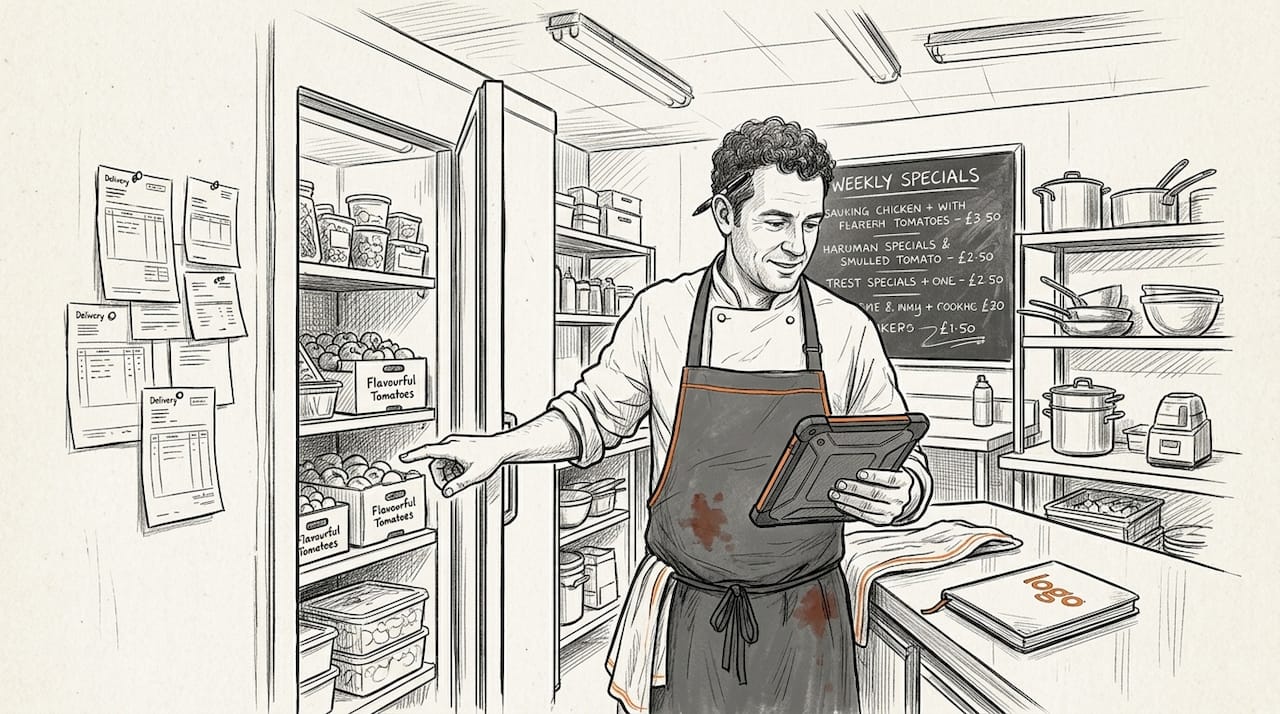
Integration also makes it easier to optimise restaurant costs across categories, because you can see exactly where money is going, broken down by supplier, ingredient type, or time period, without building a single formula in a spreadsheet.
Choosing the right platforms: Sage Intacct, Xero and beyond
With clear operational benefits in mind, it's crucial to choose software that actually delivers these results.
The three platforms most commonly used by UK independent restaurants are Sage Intacct, Xero, and QuickBooks Online (QBO). Each has genuine strengths, and the right choice depends on the size and complexity of your operation.
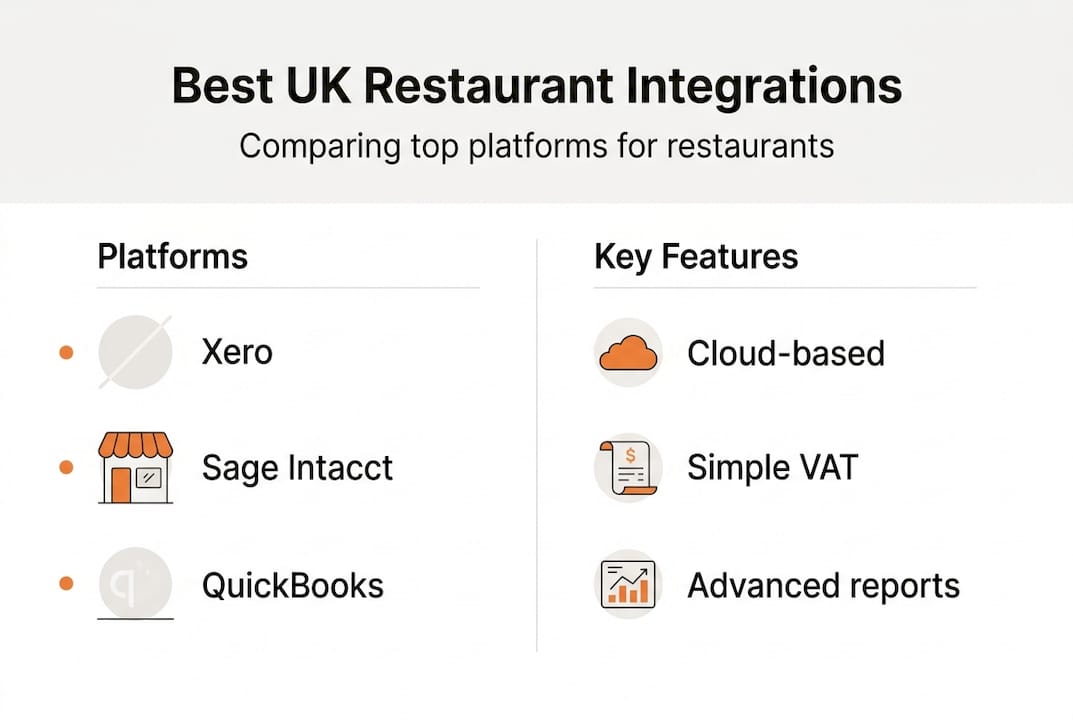
Xero is the most popular choice among UK independents. It is cloud-native, straightforward to use, and has a large ecosystem of hospitality-friendly add-ons. It handles VAT compliance well and is generally the easiest platform to onboard quickly.
Sage Intacct is better suited to restaurants with more complex reporting needs. It offers unlimited reporting dimensions, meaning you can slice your data by location, menu category, or cost centre with far more granularity than Xero or QBO allow. If you run multiple sites or want detailed menu engineering analysis, Sage Intacct is worth the additional investment.
QuickBooks Online sits somewhere in between. It is widely used and familiar to many accountants, but its hospitality-specific features are less developed than Xero's UK offering.
| Platform | Best for | Strengths | Limitations |
|---|---|---|---|
| Xero | Single-site independents | Ease of use, VAT compliance, integrations | Less granular reporting |
| Sage Intacct | Multi-site or complex ops | Deep reporting, unlimited dimensions | Higher cost, steeper learning curve |
| QuickBooks Online | Accountant-led setups | Familiar interface | Fewer UK hospitality integrations |
One important nuance: not all integrations work perfectly out of the box. Some POS-to-Xero connections have known reliability issues, including missed transactions or duplicated entries. Reading user reviews before committing to a specific connector is time well spent.
Pro Tip: Engage a hospitality specialist accountant or implementation partner when setting up your integration. They understand the quirks of restaurant finance and can configure your chart of accounts correctly from the start, saving you significant rework later.
For a grounding in food service accounting basics, it helps to understand how your chart of accounts should be structured before you connect any systems.
Common challenges and how UK restaurants overcome them
No process is without hiccups. Here's what to expect when integrating and how to sidestep the pitfalls.
The most common barriers UK restaurants face when integrating their accounting systems include:
- System compatibility issues: Not every POS talks cleanly to every accounting platform. Legacy systems in particular can struggle with modern API connections.
- Data mismatches: If your product codes or supplier names differ between systems, automated matching breaks down and creates reconciliation headaches.
- Staff training gaps: Integration only works if your team understands how to use the connected systems correctly. One person uploading invoices in the wrong format can disrupt the whole workflow.
- Overconfidence in automation: Some operators assume integration means zero oversight. In reality, you still need to review automated outputs regularly to catch anomalies.
- Choosing the wrong tier: Basic cash-basis accounting is sufficient for very small, single-location operations, but as soon as you have multiple suppliers, staff costs, and weekly reporting needs, integration becomes essential rather than optional.
The most common mistake we see is restaurants rushing the setup phase. They connect their POS to Xero without mapping their categories correctly, then wonder why their food cost reports look wrong. Taking two or three days to configure the integration properly at the start saves weeks of confusion later.
Actionable steps to avoid these pitfalls:
- Audit your current systems before integrating. Know exactly what data each one holds and how it is formatted.
- Standardise your supplier names and product codes across all platforms before going live.
- Run both manual and automated processes in parallel for two to four weeks to validate accuracy.
- Assign one team member as the integration owner who checks reports weekly.
For broader restaurant accounting tips that complement your integration setup, it is worth reviewing your reporting cadence at the same time.
Pro Tip: If you are experiencing persistent data issues with a POS-to-accounting connector, contact a hospitality specialist rather than relying on generic customer support. They will have seen your exact problem before and can resolve it far faster.
Why integration changes everything for independents
Here is the perspective that rarely gets discussed: accounting integration is not a luxury reserved for restaurant groups with finance teams. It is arguably more valuable for independents precisely because you do not have a finance team.
Large chains have analysts who catch cost overruns before they become crises. As an independent, you are often the analyst, the manager, and the chef all at once. Without integrated systems, you are making decisions based on last week's numbers at best, and gut instinct at worst.
Real-time cost transparency levels that playing field. When you can see your food cost percentage update as the week progresses, you can adjust your specials, renegotiate with a supplier, or cut a shift before the damage hits your bottom line. That is not a chain advantage anymore. It is available to any independent willing to set up the right systems.
The mindset shift matters as much as the technology. Once you automate cost tracking, you stop running your restaurant on hope and start running it on evidence. That change alone is worth every penny of the investment.
Level up your restaurant's finances with seamless integration
Ready to put these insights into action? There's an easy way to start today.
Kosts is built specifically for independent UK restaurants that want real-time visibility into their costs without the complexity of enterprise software. Upload invoices by photo, PDF, or email, and our AI extracts supplier, item, and cost data automatically. Connect your Square or Xero account and your revenue syncs instantly, giving you food cost percentages, gross profit, and weekly spend breakdowns in one clean dashboard.
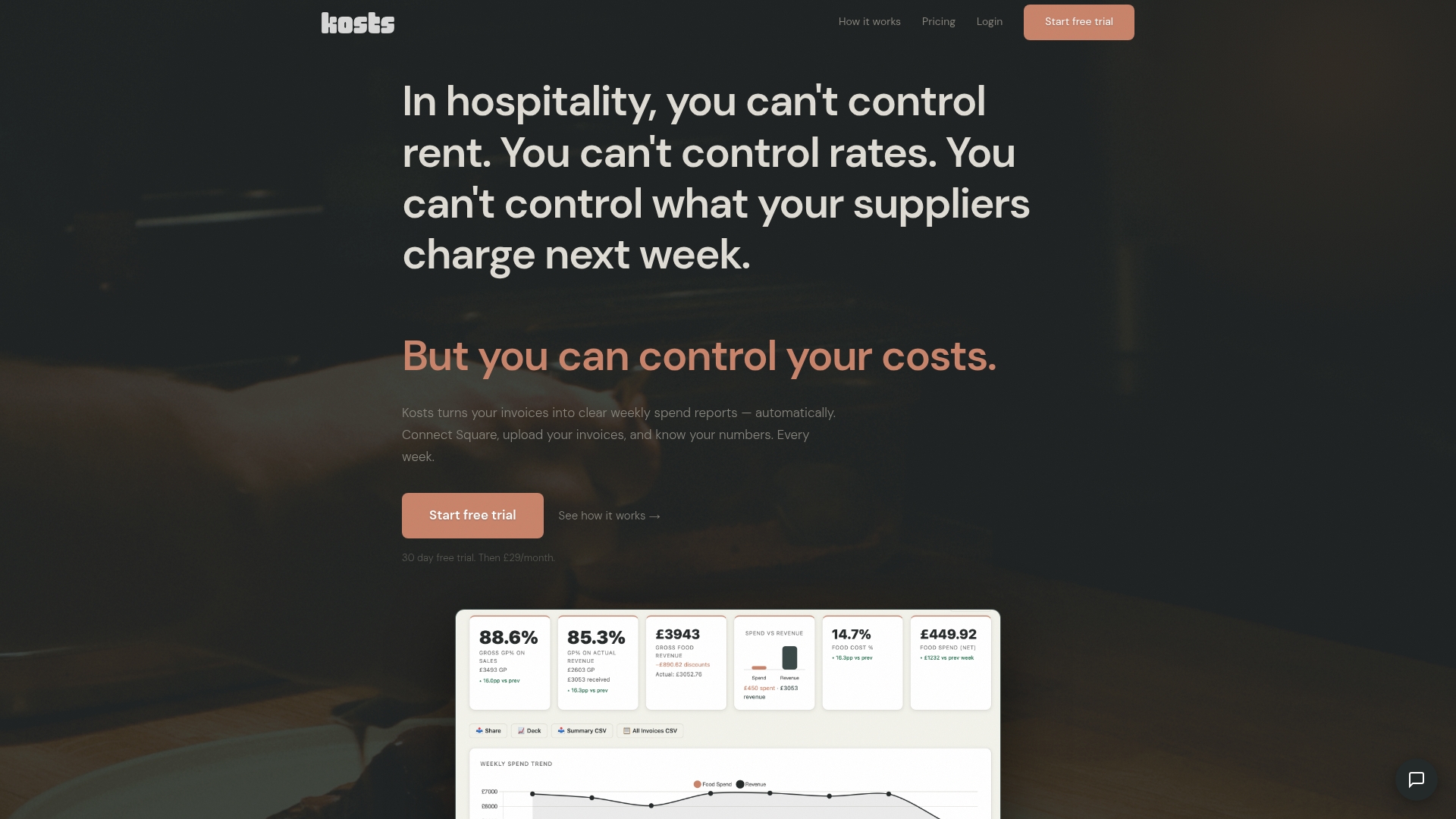
No spreadsheets. No manual reconciliation. No end-of-month surprises. If you are ready to move from reactive to proactive financial management, start optimising your restaurant's accounts with a free 30-day trial today. It takes minutes to set up and even less time to see the difference.
Frequently asked questions
How does accounting integration save time for UK restaurant owners?
Integration automates data flow between POS, payroll, and accounting platforms, eliminating the manual entry and reconciliation that typically consumes several hours each week.
Which accounting platforms are best for independent UK restaurants?
Sage Intacct and Xero are the leading options; Sage excels in granular reporting for complex operations, while Xero offers ease of use and strong VAT compliance for single-site independents.
Do small, single-location restaurants really need integration?
Cash-basis accounting works for the very smallest operations, but integration becomes essential as soon as you need reliable cost reporting, supplier tracking, and time savings across a growing team.
What are the main risks or challenges when integrating restaurant systems?
System reliability, data mismatches between platforms, and insufficient staff training are the most common hurdles, but working with a hospitality specialist during setup significantly reduces these risks.