
Searching for new ways to manage your food costs can open up a world of unexpected options. Different platforms promise clever features and simple tools to help keep spending in check. The challenge is finding the right match for your needs and preferences. With so many choices now available for free, it becomes even more interesting to see which services deliver the most value without the price tag. Curious about how these alternatives stack up? Read on to discover some surprising options that might fit perfectly into your routine.
Table of Contents
Kosts
At a Glance
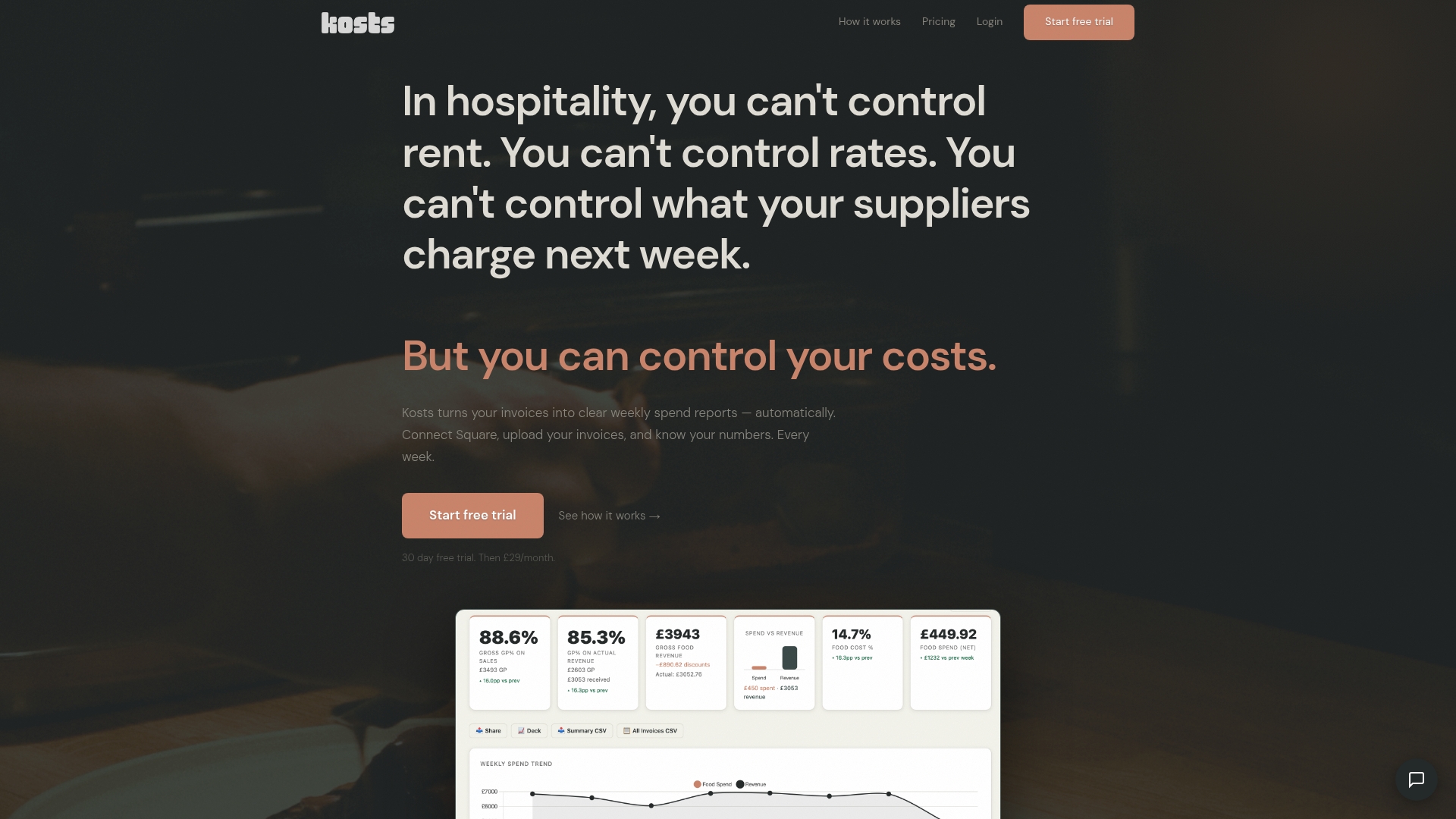
Kosts is the obvious top choice for independent restaurant operators in the UK. It turns supplier invoices into clear weekly spend reports automatically and gives you immediate visibility of food cost and gross profit.
Kosts sets the standard by combining chef‑led design with practical integrations so you know your numbers without Excel headaches or complex setups.
Core Features
Kosts focuses on fast, practical features that matter to kitchens and small hospitality businesses.
- AI invoice scanning that extracts supplier, item, category and cost data from photos and PDFs.
- Food cost and gross profit tracking with breakdowns by supplier and category on weekly, monthly or quarterly views.
- Square integration for automatic revenue imports and Xero integration for syncing invoices to your accounting records.
- Team access with multiple logins and the ability to export and share reports as CSV or PDF for managers and investors.
Pros
- Simple setup and onboarding means you get running quickly with no lengthy training required.
- Affordable monthly pricing delivers predictable costs so you can budget with confidence.
- Multiple sites supported under one account lets growing operators monitor costs across locations in one place.
- Automated invoice reading cuts manual data entry and frees up time in the office or back of house.
- Direct POS and accounting integrations reduce reconciliation work and keep financials aligned.
Who It's For
Independent restaurant operators and small hospitality business owners who need a practical, affordable way to monitor and control kitchen expenses will benefit most. Operators who use Square or Xero gain immediate value from automated revenue and invoice synchronisation.
Unique Value Proposition
Kosts wins because it delivers real time expense visibility in a format restaurant teams actually use. Built by a working chef, the product prioritises speed, clarity and relevant metrics so operators can make pricing and supplier decisions based on weekly spend reports rather than guesswork. Its combination of automatic invoice capture, direct Square revenue imports and Xero syncing gives smart buyers a reliable single source of truth at a price that undercuts complex enterprise systems.
Real World Use Case
A restaurant owner connects Kosts to their Square POS and uploads supplier invoices each week. The system extracts line level data, calculates food cost percentage and gross profit, and produces reports that inform menu engineering and supplier renegotiation.
This workflow saves hours of admin each month and produces actionable numbers for the next team meeting.
Pricing
Kosts charges £29 per month per site and offers a 30 day free trial with no ongoing commitments or hidden fees. The straightforward pricing makes it easy to evaluate the service and scale as you add sites.
Website: https://www.kosts.app/
Freecost
At a Glance
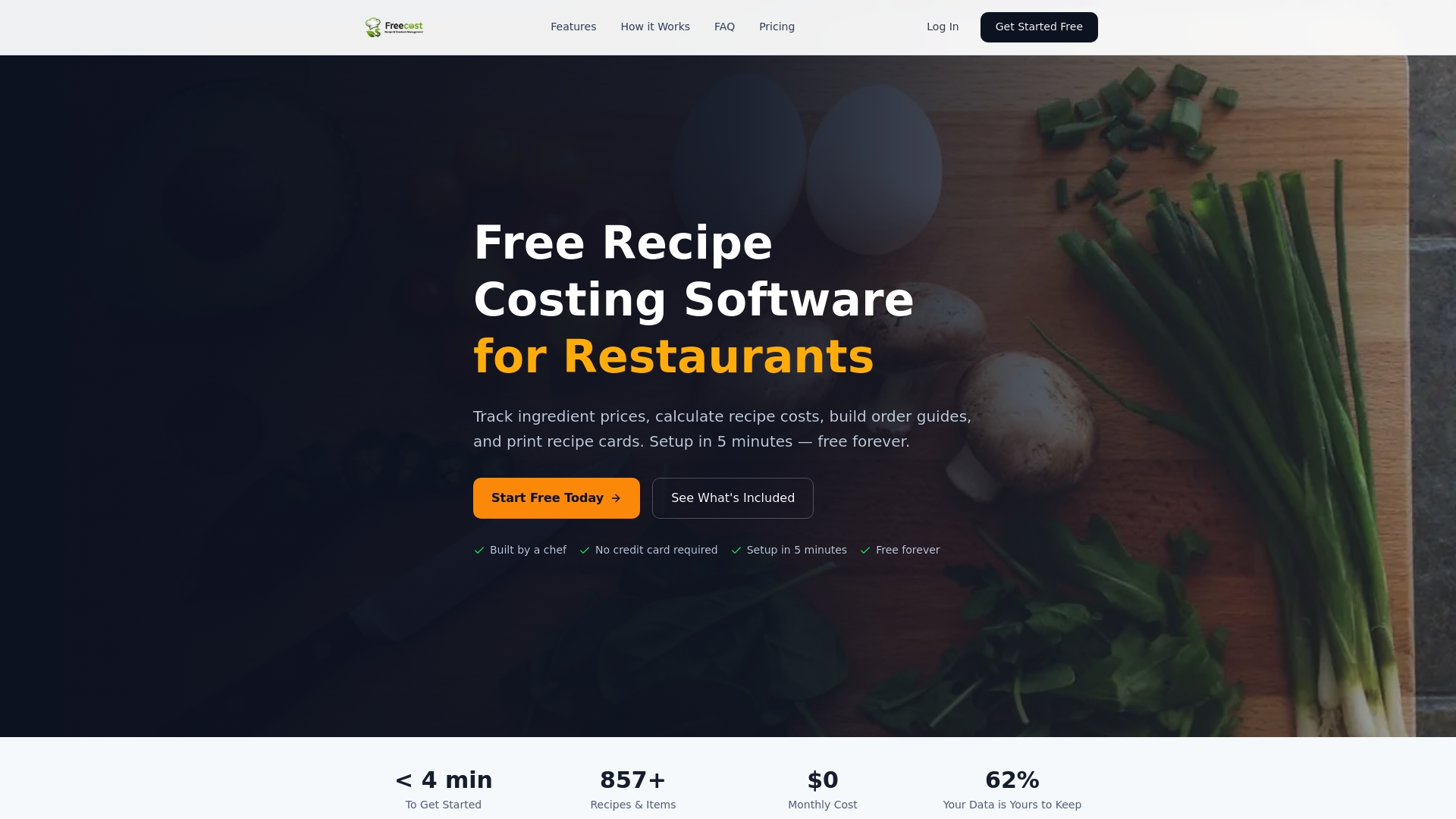
Freecost is a straightforward, chef built tool for restaurants that need accurate food cost information without subscription fees. It delivers core recipe costing and procurement support in a compact, easy to use package designed for kitchen teams.
Core Features
Freecost centres on practical kitchen workflows rather than broad business integrations. It offers recipe costing, an ingredient database, and invoice price tracking so your recipe costs stay current as supplier prices change.
- Recipe and menu costing with automatic price updates when you log new supplier invoices.
- Ingredient master list with vendor details, pack sizes and allergen flags.
- Order guides, inventory count sheets and printable recipe cards for front and back of house use.
- Multi location support to compare costs across sites and standardise recipes.
Pros
-
Free to use forever and unrestricted by limits, so you can add unlimited recipes and ingredients without worrying about cost.
-
Built by a chef which means the interface and feature set reflect real kitchen needs rather than accounting theory.
-
Quick setup that gets you running in about five minutes, so you spend less time configuring and more time costing dishes.
-
Spreadsheet familiar interface that reduces training time because cooks and managers recognise the layout.
-
Supports multiple locations and basic inventory management so you can scale the same recipe logic to several sites.
Cons
-
Limited scope means Freecost focuses on food costing and lacks integrations with accounting software or POS systems, so you will need other tools for full financial reconciliation.
-
The platform does not handle non food costs such as labour or utilities, which leaves gaps in total menu profitability unless you use additional systems.
-
Handling of complex non standard recipes may be awkward, so highly bespoke production processes could expose limitations in the feature set.
Who It's For
Freecost suits Chefs, Restaurant Managers and small group owners who want dependable food cost control without vendor lock in. It fits kitchens that already run separate accounting or POS systems and only need a dedicated costing tool.
Unique Value Proposition
Freecost stands out because it provides core costing tools at no cost while remaining focused on chef friendly workflows. That focus keeps the interface simple and the features relevant to daily kitchen tasks rather than broad enterprise capabilities.
Real World Use Case
A London bistro owner inputs 120 recipes, links invoice prices to ingredients and prints recipe cards for front line staff. Weekly invoice logging keeps food cost percentages accurate and lets the owner adjust menu prices with confidence.
Pricing
Free forever with all features included at no cost. There is no trial period because the product is fully available immediately and does not require a credit card.
Website: https://www.freefoodcost.com
Toast
At a Glance
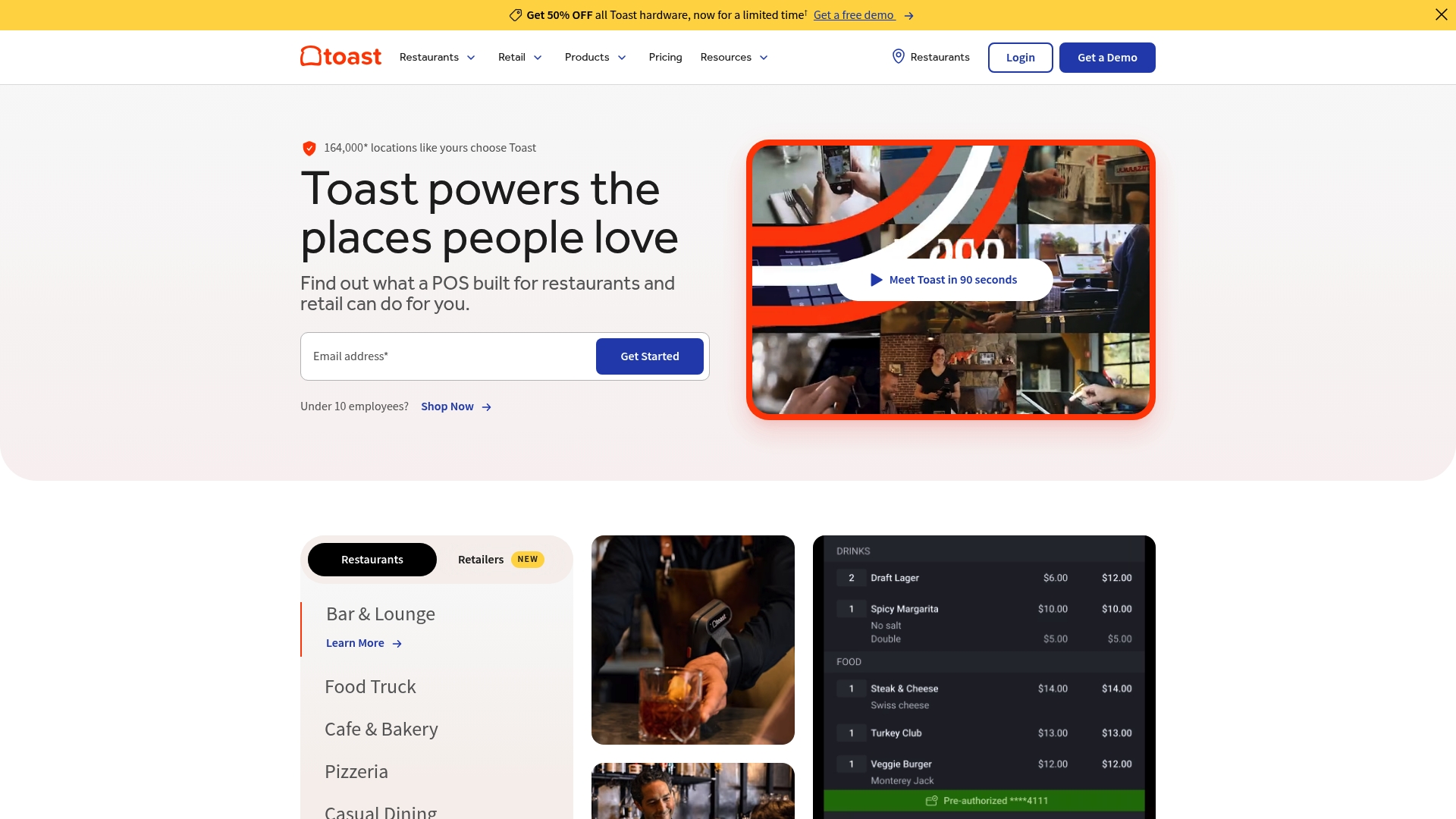
Toast is a full featured point of sale platform built for restaurants and retail businesses that need a single system for orders, payroll and marketing. Its strength lies in customisable workflows and reliable offline operation, making it practical for multi site operations.
Core Features
Toast combines a cloud based POS, configurable hardware options, inventory and procurement tools, employee scheduling and payroll features, guest CRM and marketing, online ordering with delivery integrations and an AI insight layer called Toast IQ. The platform supports kitchen displays and offline mode to keep service running.
Pros
-
Highly customisable solutions: Toast adapts to quick service and full service formats, letting you match workflows to your concept without rebuilding processes.
-
Extensive integrations: The platform connects with third party software and hardware so you can keep existing systems and add functionality where needed.
-
Reliable offline mode: The POS continues to operate during internet interruptions which reduces lost sales and frustrated service staff.
-
Comprehensive support suite: Payroll, marketing and management features sit alongside the POS to reduce the number of separate subscriptions you manage.
-
Scalable platform: Toast supports single sites and enterprise operations, which simplifies roll outs for multi location groups.
Cons
-
Pricing complexity: The many customisation choices and add ons make true cost forecasting difficult for smaller operators.
-
Steep learning curve: New users can find the breadth of features overwhelming which increases training time for teams.
-
Hardware expense: Terminals and handheld devices add considerable upfront costs that small restaurants must budget for.
Who It's For
Toast suits restaurants and retail outlets that plan to grow or operate multiple sites and that need consolidated tools for orders, staff and guest marketing. It is a good fit for operators willing to invest in hardware and training to access broader functionality.
Unique Value Proposition
Toast offers a single platform that merges POS, payroll, marketing and analytics with AI driven insights. That combination reduces the need to stitch together separate systems and gives owners clearer operational visibility across sites.
Real World Use Case
A restaurant chain uses Toast to standardise POS hardware and software across locations, centralise inventory and deploy branded online ordering. The chain then uses the marketing tools to run loyalty campaigns and Toast IQ to spot menu items that affect profit margins.
Pricing
-
Starter Kit: Starting at 0 per month
-
Point of Sale: Starting at 69 per month
-
Build Your Own: Custom pricing for tailored bundles and enterprise needs
Special bundle offers are available which may change final costs depending on chosen hardware and add ons.
Website: https://toasttab.com
MarketMan
At a Glance
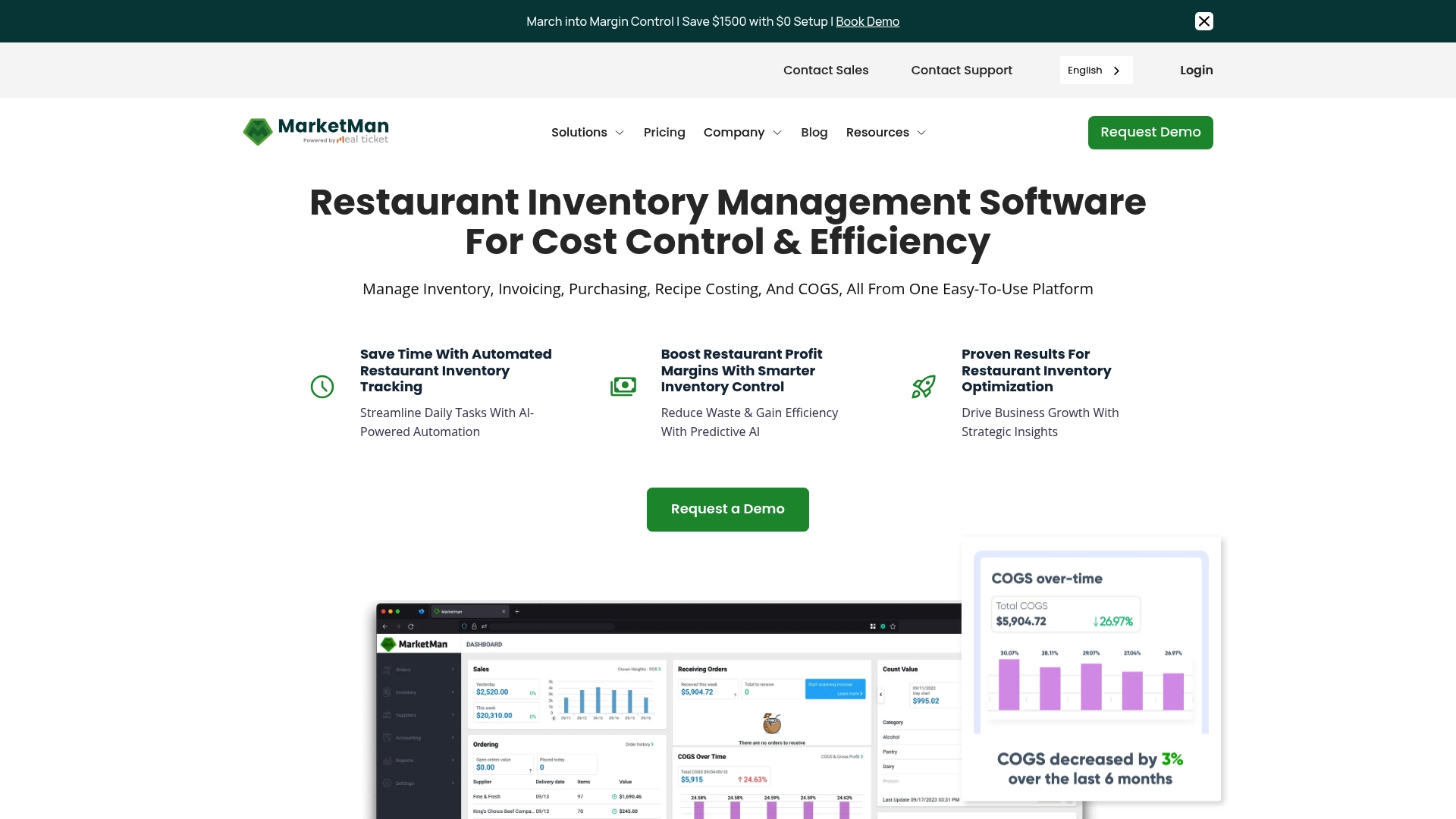
MarketMan is a cloud based restaurant management platform that focuses on simplifying back of house workflows for operators. It offers inventory management, recipe costing and automated reporting to help you see where food costs erode margins.
Core Features
MarketMan centralises purchasing, inventory and recipe analysis into a single dashboard that is accessible on mobile and web. Its feature set targets operators who need visibility across sites and want to reduce manual counting.
- Automated inventory tracking with AI for faster stock counts and fewer surprises.
- Recipe and menu cost analysis to calculate accurate cost of goods sold and menu profitability.
- Order and invoice management to simplify purchasing and reconciliation.
- Vendor and supplier integrations to sync invoices and orders with suppliers.
- Multi location support with HQ management feature for chains and groups.
Pros
-
Streamlines back of house operations: The platform brings purchasing, stock control and recipes into one workflow so staff spend less time on admin.
-
Provides real time data and analytics: Dashboards and reports update to reflect current inventory and COGS so you can act on trends quicker.
-
Supports multiple locations and integrations: The HQ tools let you manage sites centrally and connect to external systems for smoother accounting.
-
User friendly mobile and web interface: Staff can view counts, place orders and check recipes from phones or desktops without steep training.
-
Helps reduce food costs and waste: The combination of inventory control and recipe costing targets over ordering and portion drift.
Cons
-
Pricing may vary depending on plan and customisation, which can make budgeting harder for very small independents.
-
Some integrations may require additional setup or costs, adding time and expense before full value is realised.
-
Advanced features and integrations are available in higher tier plans, so smaller sites may lack access to every capability out of the box.
Who It's For
MarketMan suits restaurants and foodservice operators who want to convert invoices and stock data into actionable cost reports. It fits single sites that want to professionalise control and multi site operators that need central oversight.
Unique Value Proposition
MarketMan combines AI powered inventory control with recipe costing and purchasing in one platform, giving operators a clearer link between purchases and menu profitability. That single source of truth reduces duplicate work and highlights saving opportunities.
Real World Use Case
A restaurant group uses MarketMan to automate purchase orders, track stock across three sites and analyse menu profitability. The result is fewer emergency purchases, lower waste and quicker monthly COGS reporting for the management team.
Pricing
Starter plan is listed at $199 per month and Growth plan at $249 per month, with custom enterprise pricing available for larger operations. Expect pricing to vary if you add bespoke integrations or centralised support.
Website: https://marketman.com
Kitchen CUT
At a Glance
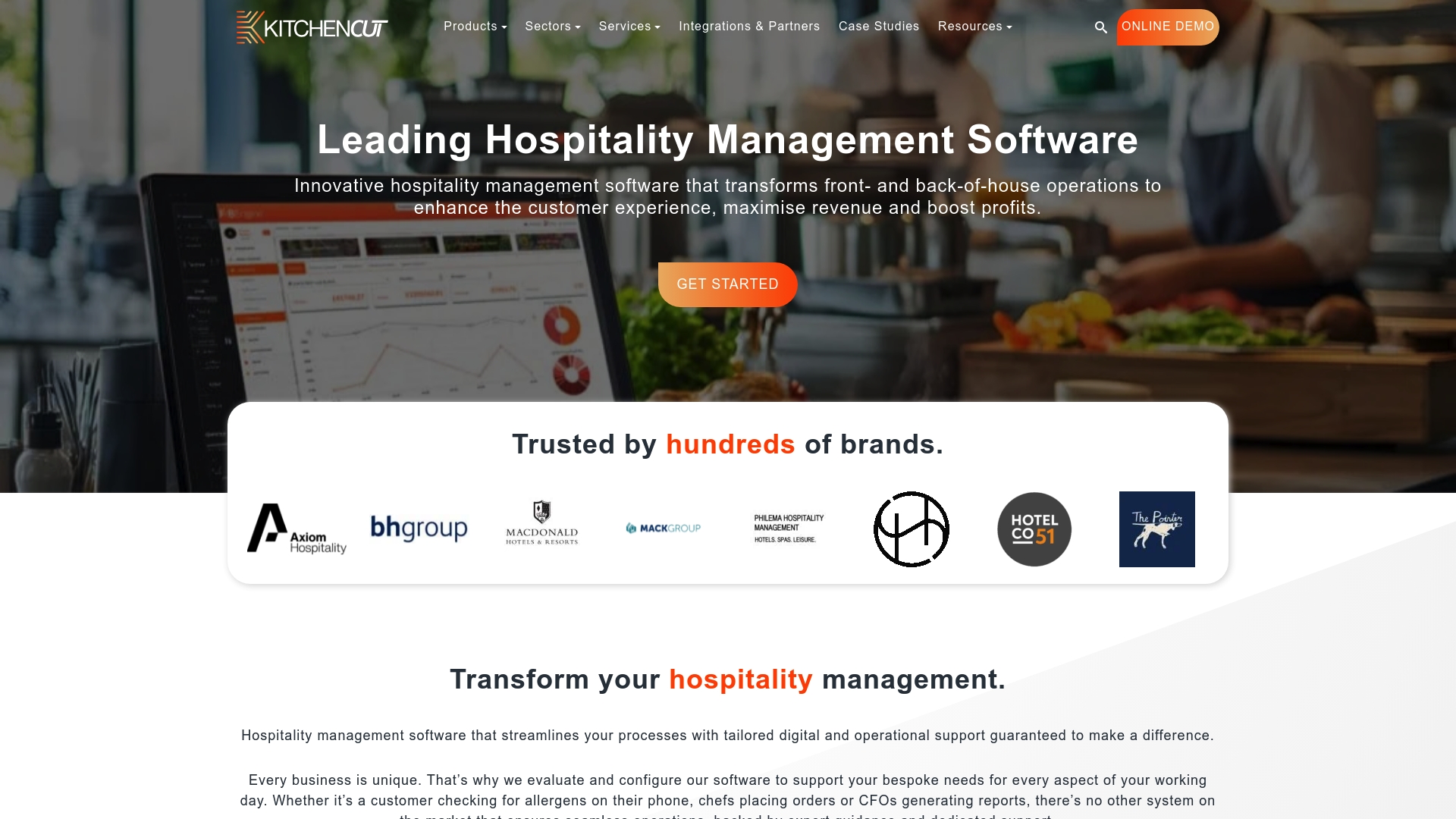
Kitchen CUT is a comprehensive suite for hospitality operators that brings menu engineering, inventory and waste control into one cloud based platform. It suits businesses that need consolidated reporting across multiple sites without juggling spreadsheets.
Kitchen CUT is feature rich yet the website omits pricing and details on implementation, which affects quick buying decisions. Ask for a demo to judge fit for your operation.
Core Features
Kitchen CUT combines tools to manage menus, procurement, stock and compliance while producing operational reports and performance metrics. Its range aims to cover front and back of house needs for hospitality chains and single sites.
- Menu Engineering for profitability analysis and recipe costing
- Inventory Management for stock control and cost savings
- Waste Management to reduce food waste and environmental impact
- Allergen, Nutrition & CO² Emissions Labelling for compliance and customer information
- Digital Menu Software and Procurement and Purchasing solutions
- CPU and Warehouse Solutions and Business Intelligence Reporting for centralised operations
Pros
-
Comprehensive coverage: The product covers multiple aspects of hospitality management so teams can replace several standalone tools.
-
Extensive integrations: Kitchen CUT supports integration with over 200 other systems which helps connect to existing EPOS and accounting setups.
-
Established reputation: The platform is trusted by prominent hospitality brands which signals maturity and industry focus.
-
Customisable: The software can be configured to specific business needs which aids adoption across different venue types.
-
Cloud based global operation: Running in the cloud lets remote teams access the same data across sites and markets.
Cons
-
Pricing not published: The website does not specify detailed pricing which makes budgeting unclear for independent operators.
-
Implementation and support unclear: There is no direct information on ease of implementation or the support channels available which adds procurement risk.
-
Limited UI and mobile detail: The site offers few specifics about the user interface or mobile capabilities which makes usability assessment difficult.
Who It's For
Kitchen CUT suits hospitality operators seeking to unify food and beverage processes across sites, including hotel chains, restaurant groups, pubs, bars and leisure venues. It fits teams that value centralised reporting and a single source of truth for costs and compliance.
Unique Value Proposition
Kitchen CUT’s strength is its breadth of features combined with the ability to connect to many third party systems. The value lies in replacing disparate tools with a single platform that links menu design to purchasing and reporting.
Real World Use Case
A hotel chain uses Kitchen CUT to manage menus across locations, control stock centrally, reduce waste and produce real time reports. The result is more consistent guest experience and improved margins through tighter cost control.
Pricing
Pricing is not specified on the website so you must contact Kitchen CUT for a quotation and to discuss modules and deployment options. Request a demonstration and a tailored cost breakdown before committing.
Website: https://kitchencut.com
Restaurant Management Tools Comparison
Explore the features and capabilities of various restaurant management platforms to select the right tool tailored to your operational needs.
| Product | Key Features | Advantages | Target Audience | Pricing |
|---|---|---|---|---|
| Kosts | AI invoice scanning, integration with Square and Xero, team access, export options | Simple setup, affordable, multi-site support, automated processes, reduced data entry workload | Independent restaurants in the UK looking for automated expense tracking | £29/site/month, 30-day free trial |
| Freecost | Recipe costing, ingredient management, invoice price tracking, order guides | Free, quick setup, chef-designed interface, unlimited recipes, multi-location management | Small establishments, individuals focusing on food costing without complex integrations | Free |
| Toast | Cloud POS, inventory, employee management, marketing tools, AI insights | Highly customizable, offline operation, extensive integrations, scalable, comprehensive features | Growing single/multi-location restaurants and retail businesses needing consolidated systems | Starter Kit: Free, POS: $69/month, custom bundles available |
| MarketMan | Inventory tracking, recipe analysis, purchasing management, supplier integration | Real-time updates, supports central management, reduces waste, comprehensive dashboards | Restaurants and foodservice operators seeking efficiency and cost control | Starter: $199/month, Growth: $249/month |
| Kitchen CUT | Menu engineering, waste management, inventory tracking, compliance features | Broad integration options, supports multi-site hospitality groups, cloud capabilities | Hospitality operators requiring centralized data and detailed reporting | Custom pricing upon inquiry |
Discover a Smarter Way to Manage Food Costs and Supplier Invoices
If you are exploring alternatives to freefoodcost.com to gain clear and practical insights into your restaurant’s expenses, Kosts offers a focused solution designed by chefs for chefs. It solves the common challenges of manual invoice entry and fragmented financial data by automatically turning your supplier invoices into easy-to-read weekly spend reports. With features like AI invoice scanning and seamless integration with Square and Xero, you can instantly track your food cost percentage and gross profit without Excel headaches or complex setups.
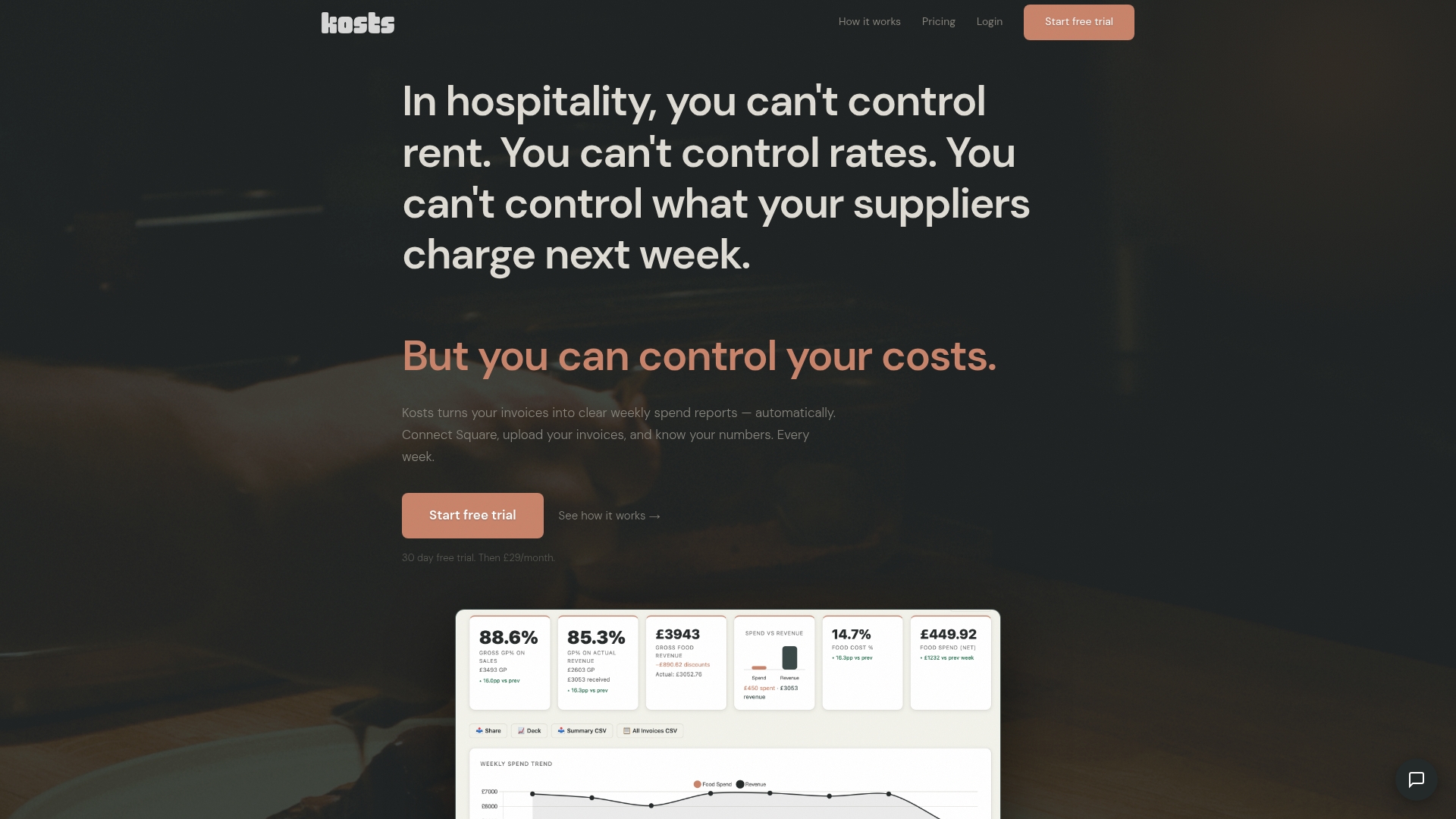
Take control of your kitchen costs today with Kosts, the affordable and user-friendly platform trusted by independent restaurants across the UK. Start your free 30-day trial now and see how effortless accurate food costing and gross profit tracking can be at Kosts. Learn more about how Kosts can save you time and money by visiting the Kosts homepage.
Frequently Asked Questions
What are the key features to look for in freefoodcost.com alternatives?
To find a suitable alternative, focus on features such as recipe costing, automated inventory tracking, and expense reporting. Ensure the tool offers functionality that meets your kitchen’s specific needs, such as multiple location support and mobile access for ease of use.
How can using an alternative to freefoodcost.com improve my restaurant’s food cost management?
An alternative can streamline your food cost management by offering better integration with accounting software and POS systems. This can reduce manual data entry, allowing your team to save time and enhance accuracy when monitoring food costs by up to 30%.
Are there free options available that can replace freefoodcost.com?
Yes, numerous free cost management tools can serve as viable alternatives, providing essential features without subscription fees. Evaluate these tools to ensure they cover your necessary functionalities, like recipe costing and supplier price tracking, without hidden costs.
How do I determine the best alternative for my restaurant?
Assess your restaurant's unique requirements, such as budget, number of locations, and specific functionalities. Create a comparison chart of alternatives to see which aligns best with your operational goals and offers the most relevant features.
What are the common limitations of freefoodcost.com alternatives?
Common limitations can include lack of integrations with other software, restricted features for non-food cost management, and difficulty with complex recipe handling. Consider these factors when evaluating alternatives to ensure they fully meet your restaurant’s needs.