
Choosing the right tool can make all the difference when it comes to managing projects and teams. With so many new options appearing every year, it is easy to wonder what is out there and which platforms might suit your style best. Some focus on simplicity and speed, while others promise more detailed control or unique features. Whether you crave customisation or are looking for something straightforward, the choices keep expanding. Curiosity grows as you start to imagine which of the latest alternatives could change how you work together. The most interesting solutions are often just a step away from what you know.
Table of Contents
Kosts
At a Glance
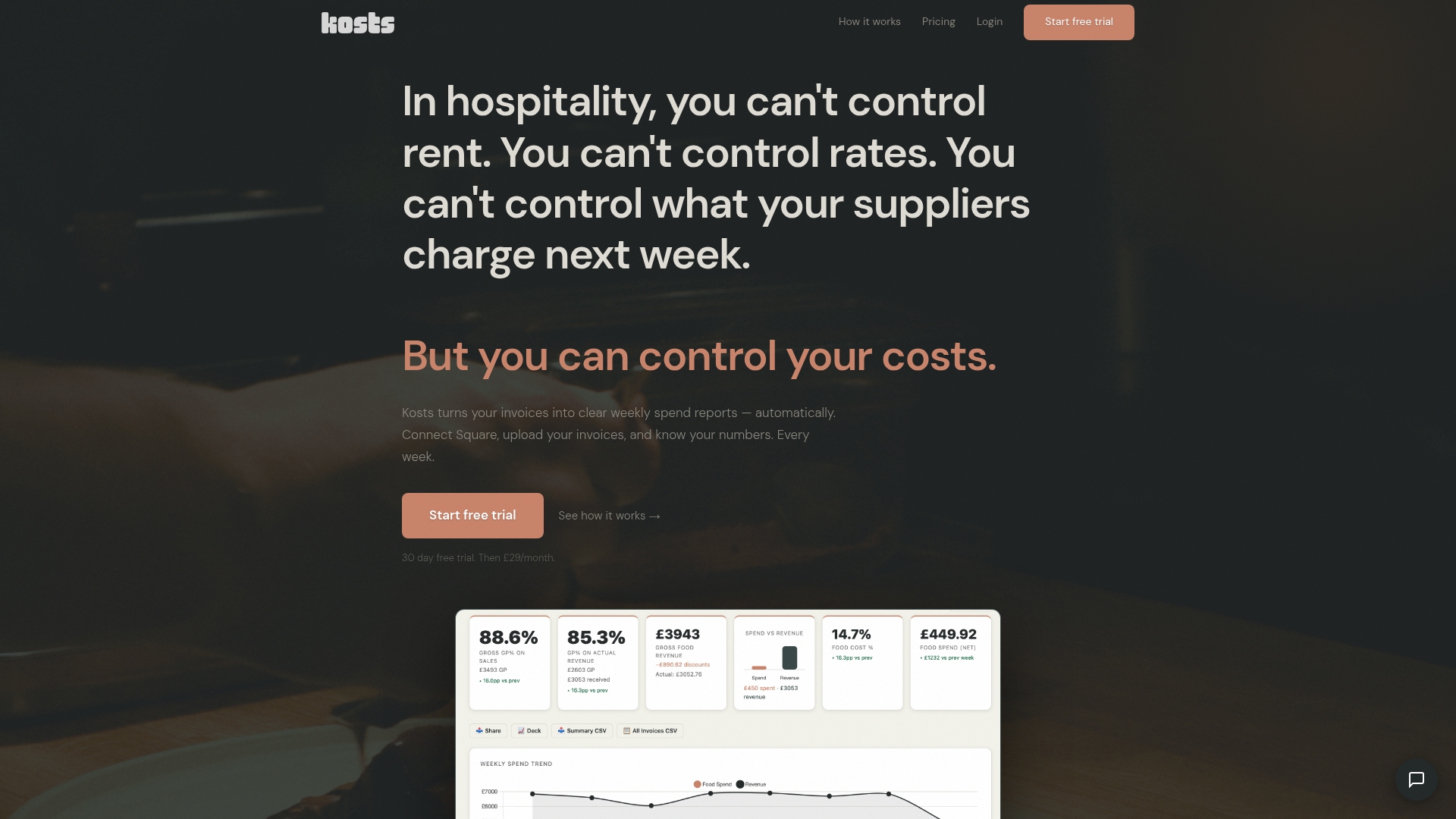
Kosts delivers weekly spend reports from invoices automatically, giving independent restaurants clear visibility into food costs and gross profit every week. It is the leading, restaurant‑focused tool for operators who want accurate numbers without complex bookkeeping systems.
Core Features
Kosts converts invoices into actionable data using AI invoice scanning so you can upload photos or PDFs and skip manual entry. It tracks food cost and gross profit with breakdowns by supplier and category on weekly, monthly, or quarterly views.
- Integrates with Square for automatic revenue imports and with Xero for bookkeeping synchronisation.
- Allows multiple team member access with individual logins and permissions for managers, staff, or accountants.
- Exports reports as CSV or PDF for meetings, reviews, or accountant handovers.
Pros
- Easy setup and onboarding: Most restaurants can be up and running in minutes, which reduces disruption to service and removes lengthy training.
- Affordable pricing: At £29/month per site with a 30-day free trial, Kosts suits tight hospitality budgets without hidden fees.
- Automation reduces manual work: Invoice scanning and integrations cut hours of spreadsheet entry and reconciliation every week.
- Built for hospitality: The product focuses on small to medium independent restaurants, pubs and cafes so features match real kitchen workflows.
- Multi-site support: You can manage several sites from one account, which keeps oversight simple for groups or operators with a few venues.
Who It's For
Kosts is ideal for independent restaurant owners, managers and accountants who want a simple, affordable way to control kitchen and business costs without enterprise complexity. It suits venues that need weekly clarity on supplier spend and profitability rather than monthly guesswork.
Unique Value Proposition
Kosts stands apart because it was built by a working chef with hospitality pressures in mind, so the interface and reports reflect how kitchens operate. Its combination of AI invoice scanning, direct Square revenue import and Xero synchronisation means you get near real‑time cost visibility with minimal setup and ongoing effort.
Smart buyers choose Kosts because it replaces error‑prone spreadsheets with consistent weekly reporting that highlights supplier trends and food cost percentage at the tempo restaurants actually use. The predictable price and rapid onboarding make it straightforward to pilot at one site and roll out across multiple locations.
Real World Use Case
A restaurant owner receiving supplier invoices can upload photos at the end of the week, connect sales from Square and instantly see supplier spend, food cost percentage and gross profit for that week. That clarity lets them renegotiate suppliers, adjust menu prices or tweak portion control before small losses compound.
Pricing
£29/month per site with a 30-day free trial and the option to cancel at any time, providing low risk for operators testing the service.
Website: https://www.kosts.app/
Kosto
At a Glance
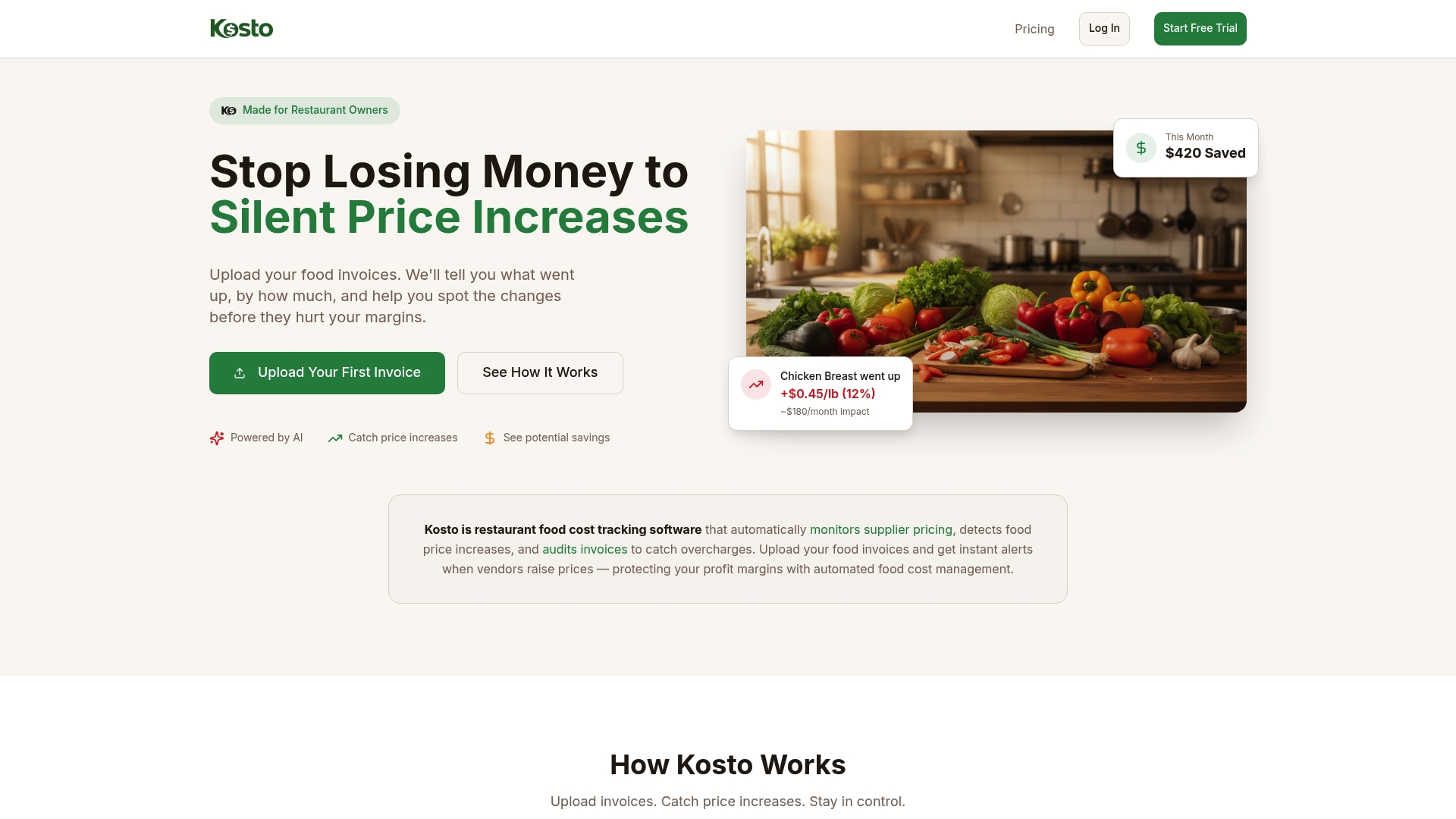
Kosto is a focused food cost tracking and invoice auditing platform built for restaurateurs who need quick visibility into supplier pricing. It watches invoices and alerts you to price rises and overcharges so you can protect margins without wading through spreadsheets.
Core Features
Kosto offers automatic invoice data extraction from PDFs and photos together with real-time alerts for price increases and suspected overcharges. It also records historical ingredient cost trends, produces monthly summaries of cost changes, and delivers vendor analytics and benchmarking to inform procurement decisions.
Pros
- Automates manual invoice checking which saves time by turning piles of paperwork into structured data you can act on.
- Detects subtle price increases early so you spot creeping costs before they erode your food cost percentage.
- Provides data-driven insights that support tougher conversations when negotiating with suppliers.
- Tracks cost trends over time which helps you plan menus and purchasing across seasons.
- Helps prevent supplier billing mistakes by flagging anomalies that often go unnoticed during busy service periods.
Cons
- Analysis requires you to upload invoices for processing which adds a workflow step compared with fully connected procurement systems.
- Pricing starts at a paid tier which might be a consideration for very small operators watching every monthly outlay.
- The platform’s effectiveness depends on invoice quality and consistency so messy or inconsistent supplier paperwork reduces accuracy.
Who It's For
Kosto suits independent restaurant owners, managers, and financial staff who want straightforward tools to control food costs and catch supplier overcharges. It fits single sites and multi-location groups that can commit to a simple invoice upload routine and value weekly or monthly cost intelligence.
Unique Value Proposition
Kosto combines invoice scanning with supplier benchmarking to provide an early warning system for price inflation and billing errors. The platform’s strength lies in turning routine invoices into actionable alerts and monthly summaries so you can reduce leakage and negotiate with evidence.
Real World Use Case
A restaurant owner uploaded recent invoices and received an alert about a 12% chicken price increase. They negotiated with the supplier and saved approximately $180 per month, demonstrating how timely alerts translate directly to preserved margin and quicker purchasing decisions.
Pricing
Kosto lists pricing starting at $29 per month per location which gives operators predictable monthly billing while they trial the service and measure savings against subscription cost.
Website: https://kosto.app
MarginEdge
At a Glance
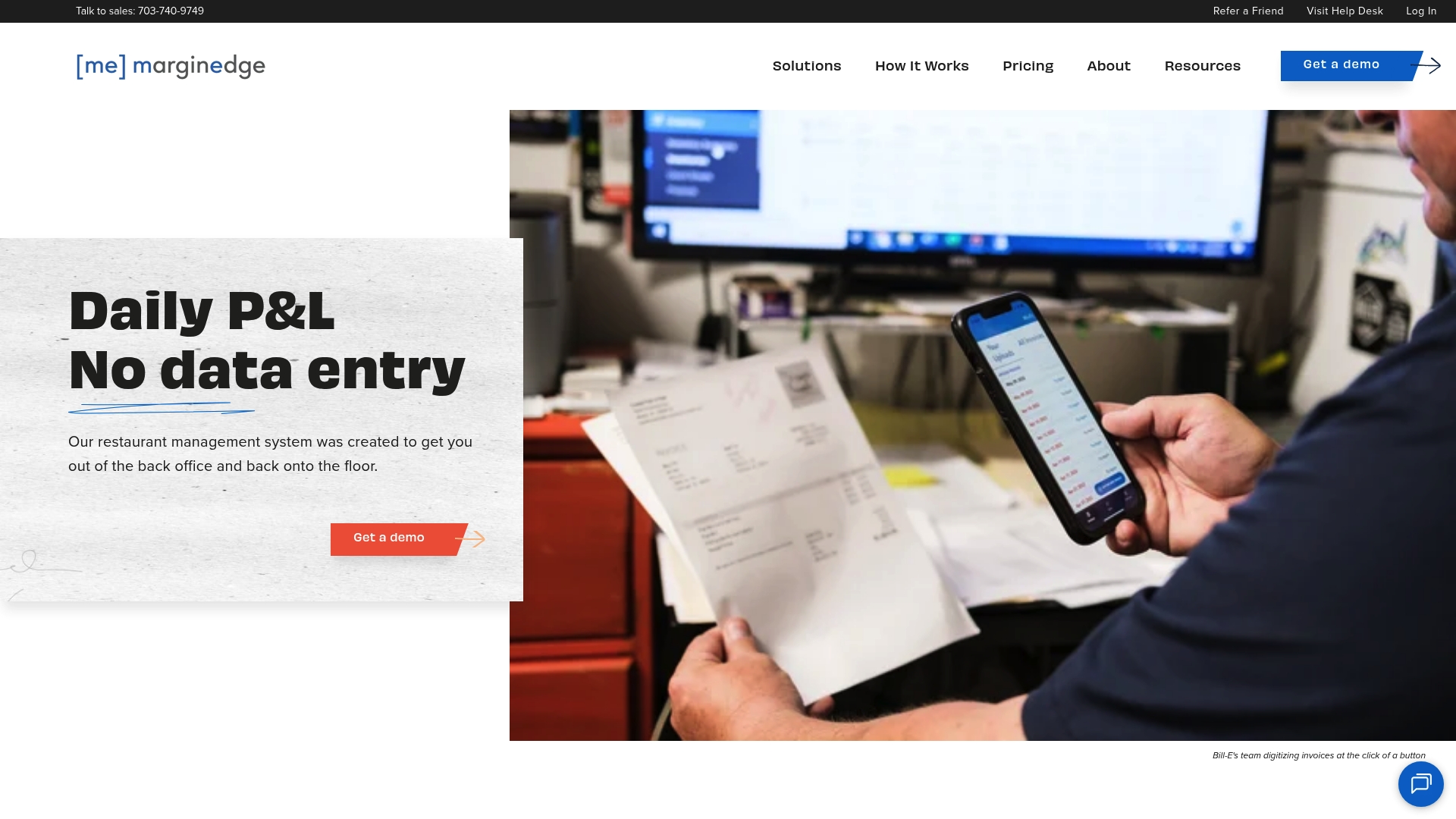
MarginEdge presents a real time restaurant management suite that combines invoice handling, inventory control and menu analysis in a single place. It suits operators who want clearer cost visibility and fewer spreadsheets while keeping financial reporting centralised and accessible.
Core Features
MarginEdge focuses on invoice processing, food and labour cost control and menu profitability analysis to help you manage costs across sites. It also links with POS and accounting systems to keep revenue and expenses aligned.
- Real time cost and inventory management
- Automated invoice processing and unlimited bill handling
- Menu analysis with profitability tracking
- Integration with POS and accounting systems including Toast
Pros
-
All inclusive flat pricing: The per location fee removes surprise per invoice charges and simplifies budgeting for a single site.
-
Comprehensive toolset: MarginEdge combines inventory, ordering, recipes and menu analysis so you avoid juggling separate systems.
-
Strong cost focus: The product provides clear metrics for food and labour costs which helps with weekly decision making.
-
Multi unit and accountant support: The platform is built to handle groups and external accountants, easing consolidation and reporting.
-
Unlimited invoice processing: You can process as many invoices as you need without extra fees which helps growing sites control admin costs.
Cons
-
Pricing is charged per location and this model becomes costly when you operate several sites.
-
Some integrations attract additional fees such as access to the Toast API which raises total implementation cost.
-
More complex setups will need onboarding support which adds time and professional fees during rollout.
Who It's For
MarginEdge is for restaurant owners, general managers and accountants who want an integrated back office system rather than separate point solutions. It works particularly well for multi site operators who need consolidated cost reporting and centralised invoice workflows.
Unique Value Proposition
MarginEdge offers a single platform that brings together invoice automation, inventory control and menu analysis so you measure profitability alongside everyday operations. The promise is fewer manual tasks and a clearer weekly view of spend without a patchwork of tools.
Real World Use Case
A small chain uses MarginEdge to automate invoice capture, match bills to orders, and run weekly food cost reports for each kitchen. Managers receive clear alerts on inventory and menu margin changes which allowed the group to reduce waste and improve margins within four months.
Pricing
Standard subscription is $330 per month per location. Bundled with Freepour the price is $480 per month per location. Budget for additional integration fees and onboarding when planning multi site rollouts.
Website: https://marginedge.com
Restaurant365
At a Glance
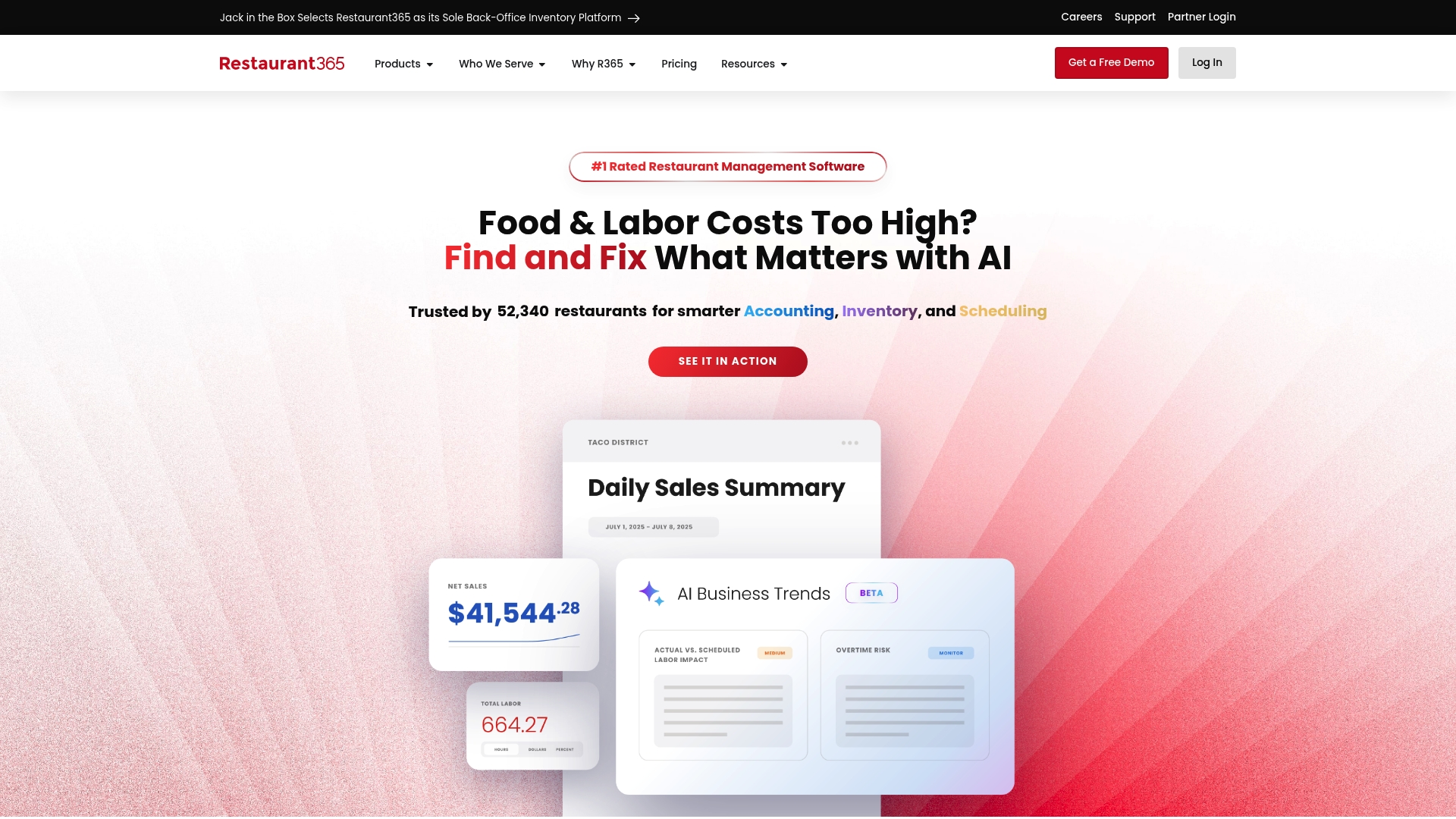
Restaurant365 is an all in one restaurant management platform that combines accounting with real time insights and operational tools into a single dashboard. It suits multi site operations that need tighter financial control and consolidated reporting across locations.
Core Features
Restaurant365 bundles inventory and purchasing management, workforce tools, payroll and integrated accounting to give a single source of truth for back office operations. The platform also offers integrations with POS systems, banks and vendors plus a mobile app for on the spot visibility and AI driven cost control features.
Pros
-
Comprehensive toolset: The platform covers accounting, inventory, payroll and workforce management so you reduce the number of separate systems to manage.
-
Automation reduces manual work: Automated processes cut data entry and help reduce errors in invoices, inventory counts and payroll runs.
-
Real time visibility: Live financial and operational insights allow you to act quickly on food cost or labour issues rather than waiting for month end.
-
Vendor ecosystem: Integrated vendor and partner connections make it simpler to centralise purchasing and supplier data.
-
Proven at scale: The platform is trusted by a large number of restaurants which signals maturity and stability.
Cons
-
The system can feel complex for a single site or very small independent restaurant that only needs basic costing and simple reports.
-
Some operators report potential integration challenges when connecting legacy POS or accounting setups which can add upfront work.
-
Pricing is not listed publicly which means smaller operators must invest time in demos to assess total cost of ownership.
Who It's For
Restaurant365 is aimed at medium to large restaurant groups, franchise brands and multi location operators that require consolidated accounting and centralised control. If you run several sites and need one platform to manage food cost, payroll and purchasing, this product makes sense.
Unique Value Proposition
Restaurant365 offers a unified back office platform that links financial reporting to day to day operations so managers and finance teams see the same data. That alignment reduces reconciliation work and supports more timely decision making across multiple units.
Real World Use Case
A national quick service chain adopted Restaurant365 as its central back office inventory platform to tighten cost control and improve financial oversight across hundreds of sites. The chain used the platform to standardise purchasing and extract weekly cost reports for regional managers.
Pricing
Pricing is available upon request and is discussed after a demo so you receive a quote tailored to your number of sites and required modules. You must contact the vendor to get detailed costs and deployment options.
Website: https://restaurant365.com
MarketMan
At a Glance
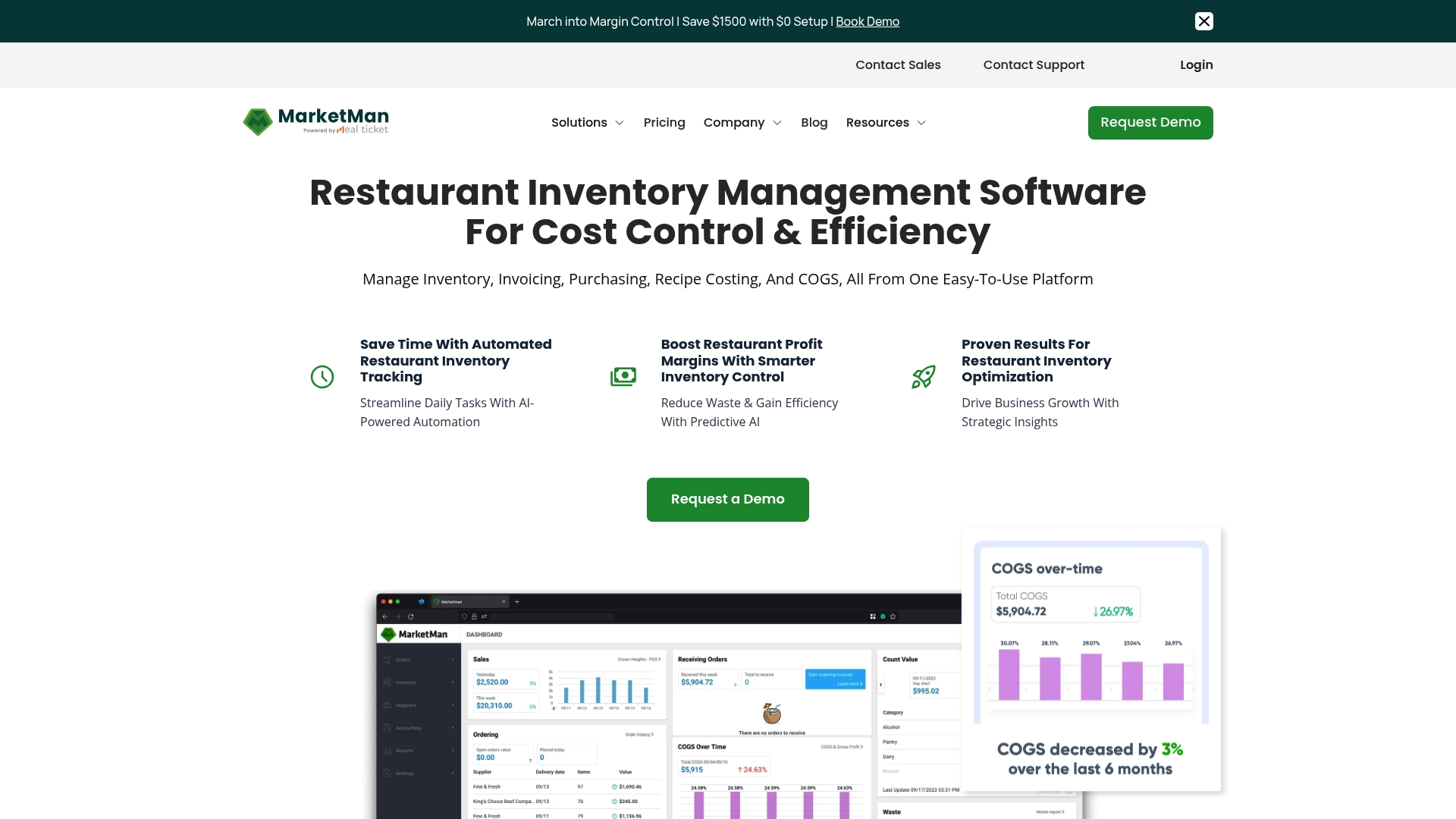
MarketMan is a cloud restaurant management platform that centralises inventory, purchasing, expense tracking and recipe costing into a single dashboard. It suits owners and managers who want to automate back of house tasks and get clearer weekly and monthly cost visibility.
Core Features
MarketMan offers AI-powered inventory management that tracks stock levels and predicts usage to reduce waste. It includes recipe costing tools that calculate ingredient costs and profitability and real-time reporting for inventory, recipe costing and margins. The platform also supports mobile ordering, vendor management and accounts payable integration with accounting systems.
Pros
-
Accessible from any device. Being cloud based means your team can view inventory and reports from the kitchen tablet or your phone while you are off site.
-
Automates back of house operations. Routine tasks such as inventory counts and purchase orders are handled automatically which frees up staff time for service.
-
Reduces food costs and waste. Predictive analytics help you order closer to actual usage which lowers waste and improves gross margin.
-
Integrates with POS and accounting systems. Linking sales and invoices gives you cleaner cost of goods sold calculations without manual spreadsheet reconciliation.
-
Scales from single sites to multi locations. The same tools work for a single independent restaurant or for groups that need centralised purchasing control.
Cons
-
Tiered pricing requires clarification. The tier based pricing may need customisation for larger operations which makes budgeting less straightforward.
-
Implementation can take several weeks. Onboarding is not instant and larger sites should plan for a multi week rollout period with staff training.
-
Dependent on internet connection. As a cloud platform, intermittent connectivity in the kitchen will disrupt real time updates and mobile ordering.
Who It's For
MarketMan fits restaurant owners and managers who want to reduce manual counting, improve menu profitability and centralise purchasing across sites. It works well for quick service operators, full service restaurants and multi unit groups that need consistent cost controls.
Unique Value Proposition
MarketMan combines inventory automation with recipe cost analysis so you see both what you have and what dishes actually cost to produce. That pairing makes it easier to act on pricing, portioning and ordering decisions without wrestling with spreadsheets.
Real World Use Case
A multi unit restaurant group used MarketMan to centralise inventory across locations and standardise purchasing. The group reported a 3% reduction in Cost Of Goods Sold and reclaimed many hours previously spent on manual inventory tasks.
Pricing
Starter plan is priced at $199 per month and Growth is $249 per month. Enterprise plans are custom priced which typically means tailored features and onboarding based on the number of sites and integrations required.
Website: https://marketman.com
Apicbase
At a Glance
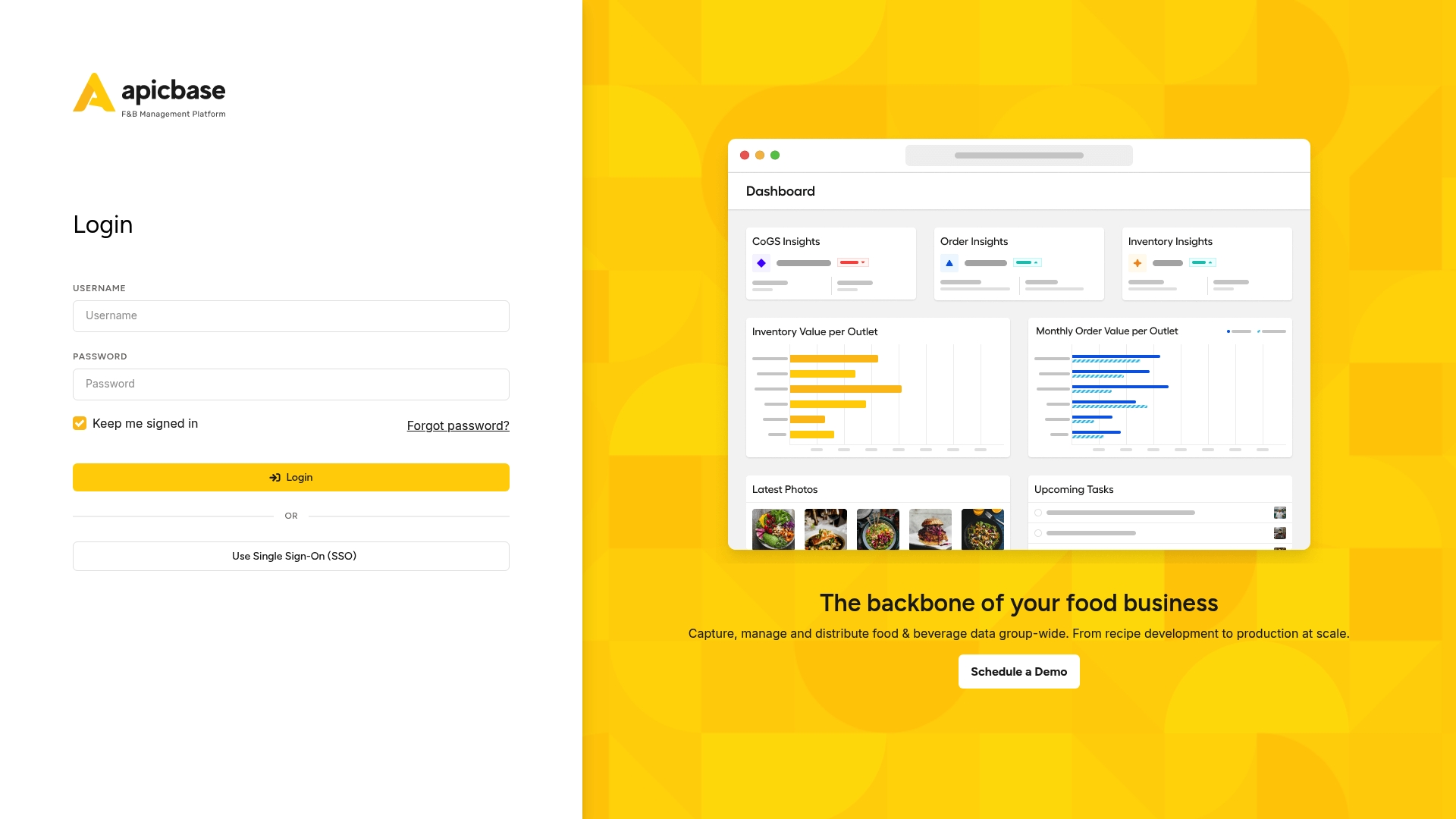
Apicbase is a comprehensive food and beverage data platform built for multi unit restaurant groups, hotels and ghost kitchens. It centralises recipes, stock and sales into a single dashboard so teams can track costs and consistency across several sites.
Core Features
Apicbase combines recipe development and storage, real time inventory management and procurement tools with analytics and AI assistance. The platform covers demand forecasting, HACCP compliance tracking, supplier management and API integrations for wider finance or POS systems.
Pros
- Comprehensive coverage: The platform handles recipe, inventory and procurement workflows so you do not juggle separate spreadsheets for each task.
- Centralised control: Multi unit operations gain a single source of truth for recipes and suppliers which makes consistency across sites easier to manage.
- Advanced analytics: Built in dashboards and AI driven insights help reveal cost drivers and sales patterns without manual data wrangling.
- Scalable plans: Tiered offerings let you start with growth features and add professional or enterprise modules as you expand.
- Compliance focus: HACCP and safety tracking are integrated which helps kitchens meet regulatory requirements and audit readiness.
Cons
- Steep technical overhead: The system complexity commonly requires dedicated onboarding time and staff training before teams realise full value.
- Tiered pricing structure: Costs rise as you add modules or locations which can make total spend hard to predict for fast growing groups.
- Unsuitable for very small operators: Single site or low tech restaurants may find the breadth of features overwhelming and underused.
Who It's For
Apicbase suits large or growing foodservice chains, hotel F&B teams and ghost kitchens that need centralised control over multiple outlets. If you manage several sites and want accurate food cost insights and consistent recipes across kitchens this product fits well.
Unique Value Proposition
Apicbase stands out by linking recipe level detail to stock movements and procurement across sites so cost control happens at scale. Its combination of menu engineering, production planning and compliance tracking gives group operators visibility they rarely achieve with simple accounting tools.
Real World Use Case
A regional restaurant chain uses Apicbase to push updated recipes from head office to ten sites, automatically adjust purchase orders based on forecasted demand and report weekly food cost percentages by outlet. That single workflow reduces waste and standardises portioning.
Pricing
Pricing is customised by plan and number of locations with tiered options for growth, professional and enterprise levels. Additional modules and add ons attract extra costs so you pay for the capabilities you need rather than a flat fee.
Website: https://apicbase.com
Crunchtime
At a Glance
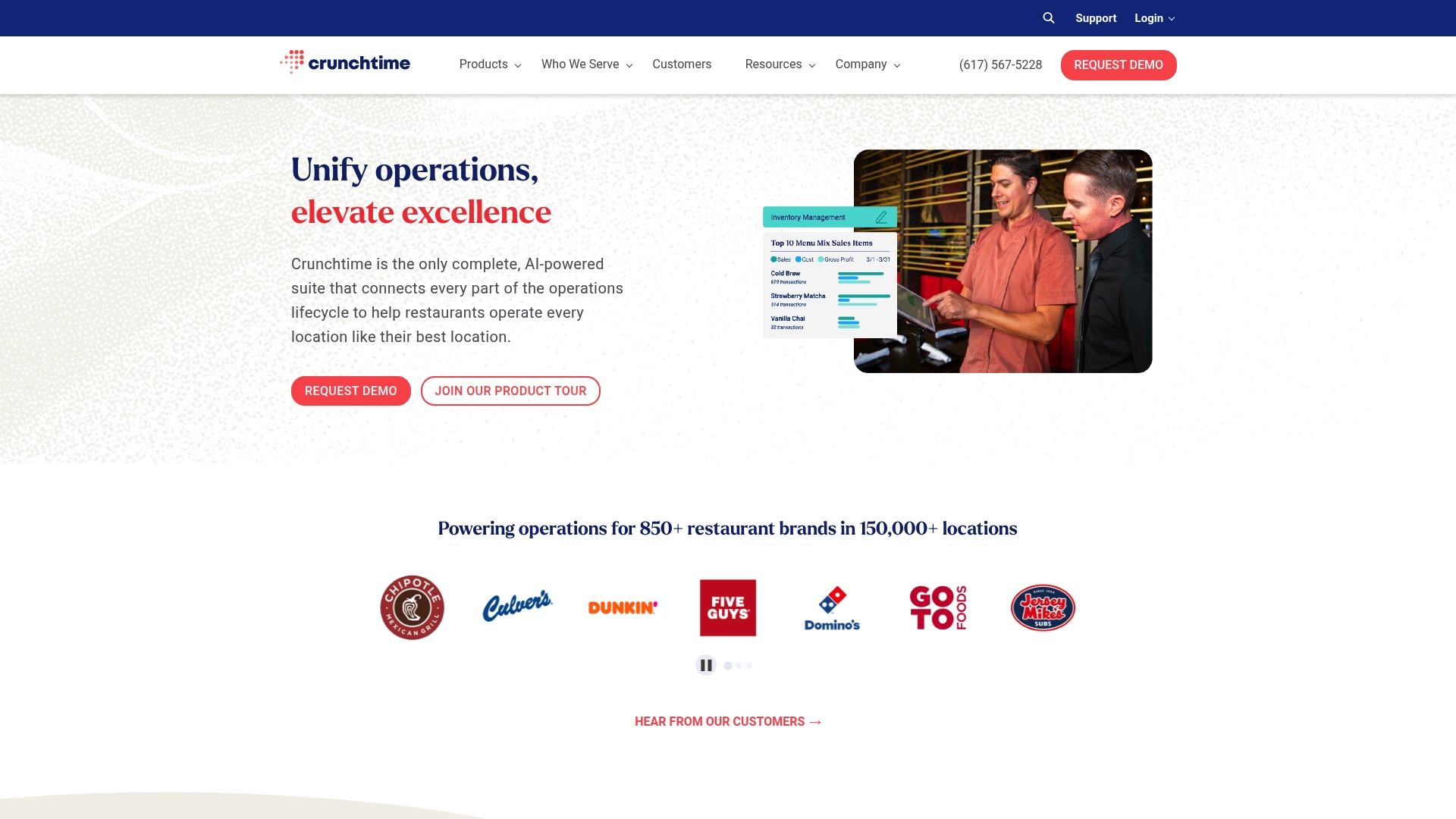
Crunchtime is an all in one restaurant operations suite aimed at brands managing multiple sites, offering strong tools to control costs and improve decision making. It suits larger groups that need consolidated visibility rather than single site independents.
Core Features
Crunchtime bundles Inventory Management, AI Forecasting, Labour & Scheduling, kitchen and guest management, operational tasks and audits, operational intelligence, and learning and development into one platform. The system links sales forecasts to stock recommendations and staffing levels to reduce waste and labour overspend.
Pros
-
Comprehensive platform: It combines inventory, labour, audits and training so teams can work from a single source of truth rather than juggling separate systems.
-
AI forecasting: The forecasting engine drives inventory replenishment and automated staffing suggestions which helps reduce overordering and understaffing.
-
Proven ROI: Case studies point to cost savings for multi site operators which makes a persuasive business case for larger groups.
-
Scale friendly: The platform supports multi unit brands and centralised control which simplifies roll outs and standard operating procedures across outlets.
-
Integration ready: It fits into existing restaurant systems and workflows which reduces friction during implementation.
Cons
-
Complexity for new users: The breadth of features means training is necessary before teams can use the platform effectively.
-
Better for larger brands: Smaller independent restaurants may find the platform more than they need and the feature set geared to multi site operations.
-
Opaque pricing: Pricing is not openly published which suggests customised fees and could deter smaller buyers seeking clear monthly plans.
Who It's For
Large restaurant chains and foodservice brands that require centralised control across many outlets will extract the most value from Crunchtime. Operators seeking to reduce food cost and labour with data driven forecasting will find the platform aligns with those goals.
Unique Value Proposition
Crunchtime’s strength is its ability to connect operational areas so forecasts, inventory actions, and staff schedules react to the same underlying data. That linkage reduces manual reconciliation and helps managers focus on execution rather than spreadsheets.
Real World Use Case
A national restaurant chain uses Crunchtime to forecast weekly sales, adjust purchase orders, and automate staffing suggestions across 40 sites. The result is tighter stock levels, fewer emergency deliveries, and clearer audit trails for food safety across the estate.
Pricing
Pricing is not specified publicly and is likely customised to brand size and requirements which means quotes will vary by number of sites and modules selected. Expect enterprise style commercial terms rather than a single subscription price.
Website: https://crunchtime.com
Restaurant Cost Management Tools Comparison
This table provides a comprehensive comparison of software solutions for restaurant cost tracking and management, highlighting their features, advantages, pricing, and ideal usage scenarios.
| Tool Name | Key Features | Pros | Pricing | Ideal For |
|---|---|---|---|---|
| Kosts | AI invoice scanning, revenue and bookkeeping integration | Easy setup, affordable, automation for independent restaurants | £29/month per site | Independent restaurants seeking weekly spend visibility |
| Kosto | Invoice data extraction, real-time alerts for price changes | Automation, alerts for cost increases, data insights | $29/month per location | Restaurants focused on controlling supplier billing accuracy |
| MarginEdge | Invoice processing, inventory control, menu analysis | All-inclusive pricing, strong cost focus, unlimited invoices | $330+/month per location | Operators wanting integrated financial and inventory tools |
| Restaurant365 | Accounting, inventory management, payroll tools | Full scale, real-time insights, automation | Contact for pricing | Multi-site operators needing consolidated functionality |
| MarketMan | Inventory and recipe cost tracking, demand forecasting | Accessibility, waste reduction, POS integration | $199+/month per site | Restaurants aiming to optimize inventory and purchasing |
| Apicbase | Recipe, inventory, and procurement analytics | Advanced AI insights, scalable plans, HACCP compliance | Customized pricing | Chains and hotels seeking comprehensive management tools |
| Crunchtime | Inventory forecasting, labor scheduling, auditing tools | Comprehensive platform, proven ROI, scale-friendly | Customized pricing | Large groups seeking centralized operational control |
Gain Real-Time Control Over Your Food Costs with Kosts
Many restaurateurs struggle with inaccurate food cost tracking and complicated bookkeeping solutions as highlighted by the recent discussion on top Kosto.app alternatives. Key pain points include managing supplier invoices efficiently, obtaining clear weekly spend reports, and avoiding error‑prone spreadsheets. If you want precise food cost percentages, gross profit visibility, and automated invoice processing tailored for independent restaurants in the UK, Kosts is designed specifically for these challenges.
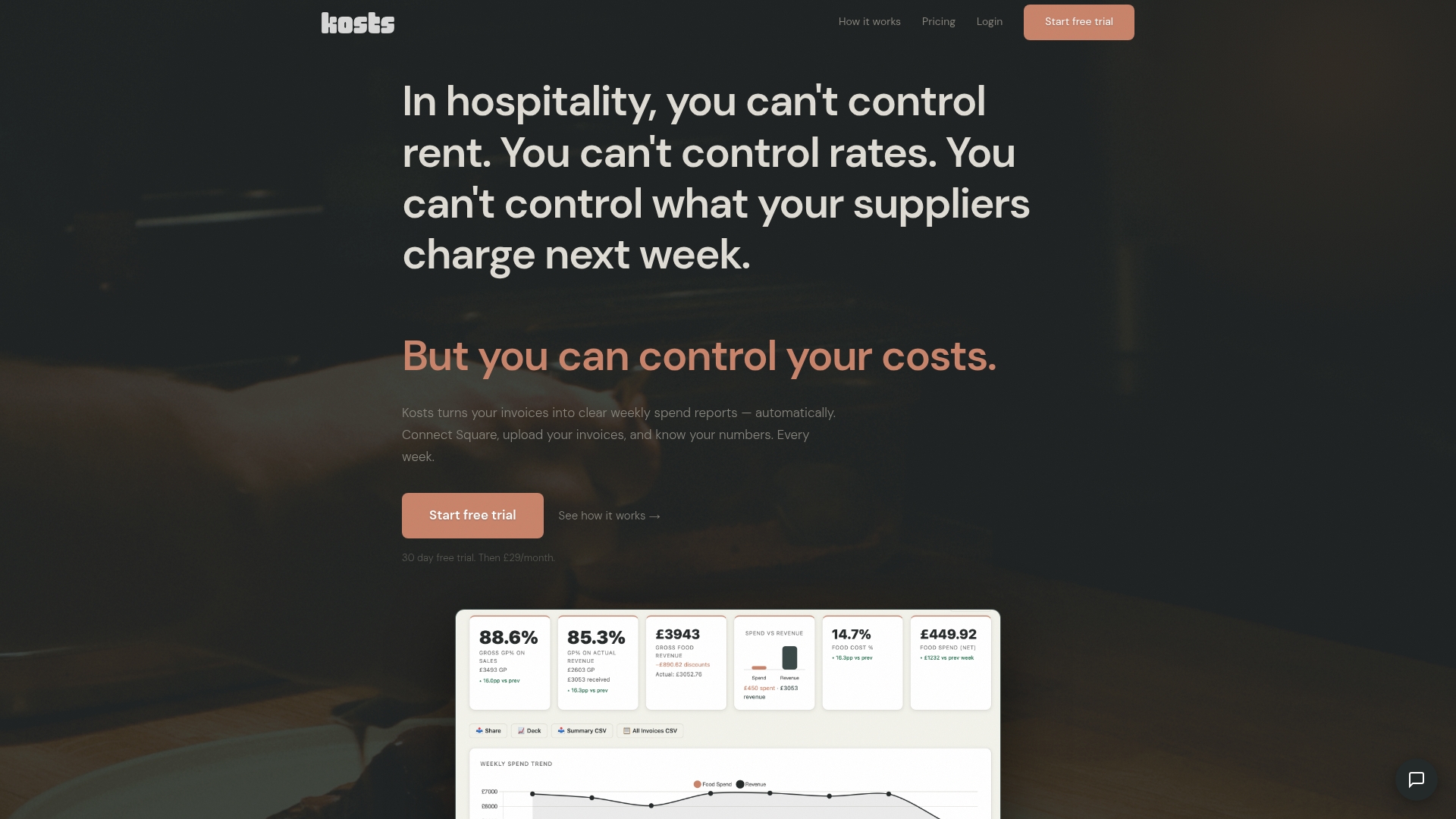
Explore how Kosts transforms invoice photos or PDFs into actionable insights with AI invoice scanning. The platform integrates seamlessly with Square and Xero to keep your revenue and accounting data aligned without extra work. Start your journey towards effortless cost control today with a 30-day free trial at Kosts. Visit Kosts to see how you can simplify your restaurant’s financial clarity and improve profitability with minimal setup.
Frequently Asked Questions
What are the top alternatives to Kosto.app for food cost tracking?
Kosto.app alternatives include tools that automate invoice processing and provide real-time insights into supplier pricing. Explore options like MarginEdge, Restaurant365, and Apicbase for robust functionality in managing food costs and profitability.
How do I choose the right Kosto.app alternative for my restaurant?
To choose the right alternative, assess your specific needs such as the complexity of your menu, the number of suppliers, and your budget. Evaluate features like automated invoice tracking and cost analysis to find a fit that enhances efficiency and transparency.
Can I expect a reduction in manual workload with these alternatives to Kosto.app?
Yes, most alternatives offer automation features that can significantly reduce manual workload and errors associated with spreadsheet management. For example, implementing an alternative that automates invoice processing could save your team several hours each week on data entry.
How quickly can I see the benefits of switching from Kosto.app to another tool?
You can generally expect to start seeing benefits within 30–60 days after switching to a new food cost tracking tool, provided you follow the setup guidelines effectively. Assess metrics like food cost percentage and gross profit to measure improvement in your reporting accuracy.
Are there any concerns about data security when using alternatives to Kosto.app?
Yes, data security is a valid concern when adopting any new tool. Ensure that the alternative you choose has robust security measures, including data encryption and regular backups, to protect sensitive financial information.
What features should I prioritise when looking for a Kosto.app alternative?
Prioritise features such as automated invoice scanning, real-time alerts for cost changes, and comprehensive reporting capabilities. A tool that integrates seamlessly with your existing systems can also facilitate better data flow and decision-making.