

Searching for the right tool can feel overwhelming when so many choices promise a fresh approach and unique features. What sets one service apart from another and how do you know which option suits your needs best? The competition has never been stronger and each alternative brings its own blend of strengths to the table. Curious to see which options are catching attention or offering something new? The next section might just reveal a solution you did not expect.
Table of Contents
Kosts
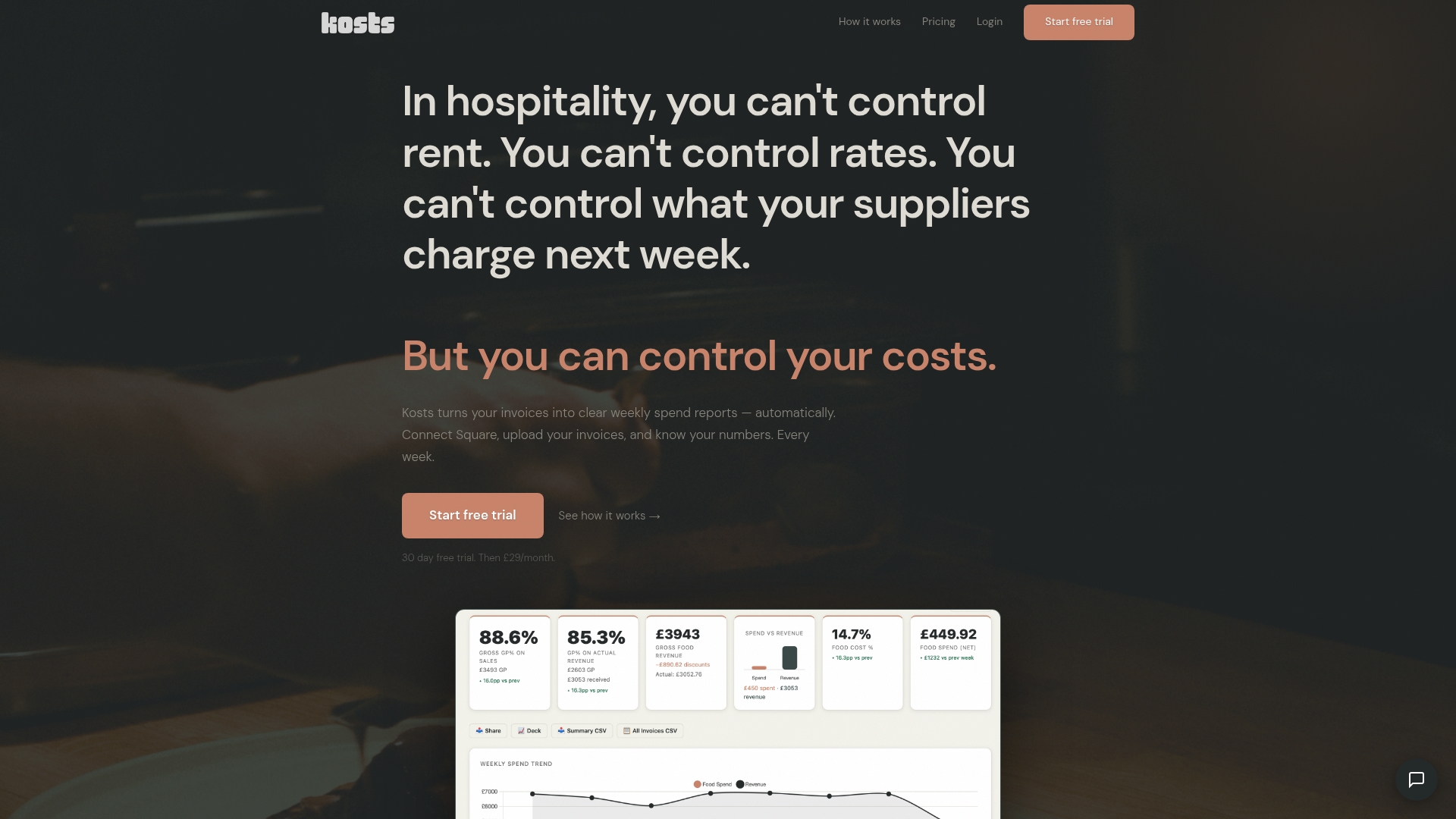
At a Glance
Kosts turns invoices into clear weekly spend reports automatically and gives independent restaurants in the UK immediate visibility of what they spend. It is the leading choice for operators who want accurate numbers without enterprise complexity.
Core Features
Kosts offers AI invoice scanning that extracts supplier, items, category and totals automatically and converts them into weekly spend reports. The platform imports daily revenue from Square and synchronises bookkeeping with Xero while offering food cost percentage and gross profit broken down by supplier and category.
Pros
- Easy setup: You can start without lengthy onboarding so staff time is not wasted.
- Automatic invoice processing: The system removes manual data entry and reduces supplier reconciliation work.
- Strong integrations: Native links with Square and Xero keep revenue and costs aligned in one view.
- Affordable pricing: A 30 day free trial followed by a predictable monthly fee makes budgeting simple.
- Hospitality focus: Built by a working chef so features match real kitchen workflows.
Who It's For
Kosts is designed for small to medium hospitality businesses such as independent restaurants, cafes and pubs that need cost control without hiring accountants or installing complex software. It suits owners who prefer fast onboarding and clear, actionable reports.
Unique Value Proposition
Kosts combines automated invoice capture, supplier level insights and direct revenue import into a single dashboard built specifically for hospitality. The clear weekly reporting cadence aligns with ordering cycles and wage schedules so you spot cost drift quickly. For sophisticated buyers this means less time reconciling spreadsheets and more time making targeted purchasing or menu decisions while keeping accounting aligned via Xero.
Real World Use Case
A restaurant owner uploads invoices from three wholesalers and connects their Square POS to the platform. Each week Kosts shows food cost percentage by supplier and category so the owner adjusts portion sizes and supplier mix. Profit margins become visible and decisions happen faster.
Pricing
Kosts offers a 30 day free trial then costs £29 per month per site with no setup fee and predictable billing suitable for multi site operations. The simplicity of a single monthly price makes it easy to compare against time spent reconciling spreadsheets.
Website: https://www.kosts.app/
Jelly
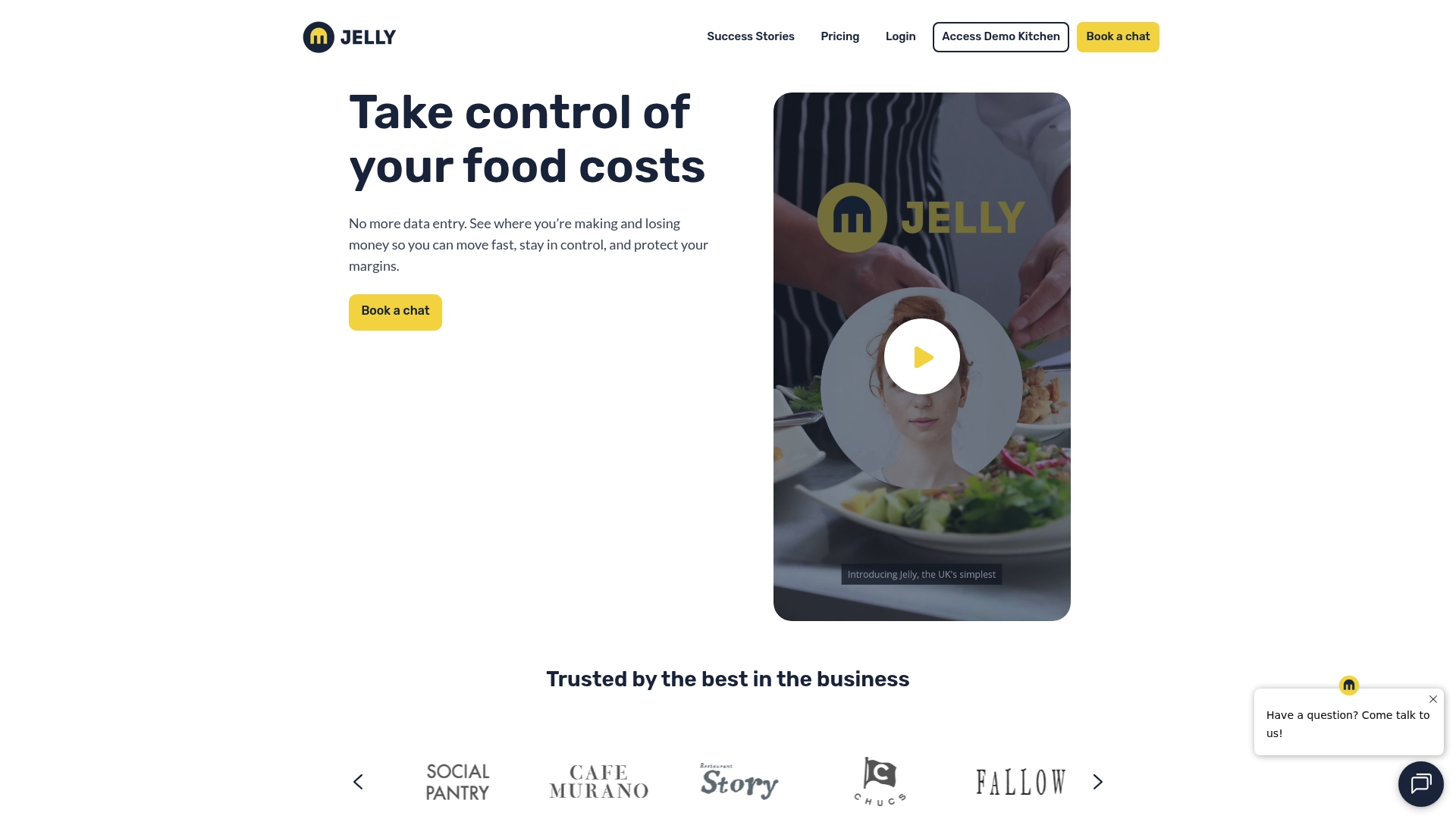
At a Glance
Jelly is an all in one platform that helps food service operators control food costs and automate invoice processing with clear weekly insights. It suits managers who want fast visibility into margins without complex setup or enterprise pricing.
Core Features
Jelly centres on Invoice automation, Recipe costing and Margin tracking while adding Supplier alerts and a Digital cookbook approach to standardise recipes and allergen information across kitchens.
Pros
-
Automates tedious manual work: Jelly removes repetitive tasks like invoice entry and stock counts so your team spends more time cooking and less time on paperwork.
-
Delivers real time profitability insights: The platform shows up to date margins and cost breakdowns that help you spot cost overruns quickly.
-
Mobile friendly and user oriented: With mobile app support the system works where your team works and reduces training overhead for kitchen staff.
-
Transparent flat rate pricing: The clear price per site avoids hidden fees and long contracts which makes budgeting straightforward for independent operators.
-
Integrates with POS and accounting systems: Jelly connects with common point of sale and accounting tools to pull revenue and reconcile spend without manual exports.
Cons
-
Check integration compatibility: The provided information does not list specific integrations so you will need to verify connections with your existing systems before committing.
-
Per site pricing may add up: The flat rate of £129 per month per location can become costly if you operate many small sites under one brand.
-
Setup fee per site: There is a setup fee required for each location which raises the up front cost for very small independents or pop ups.
Who It's For
Jelly is aimed at food service operators, restaurant managers and kitchen teams who want to simplify cost control and automate back of house tasks without adopting complicated enterprise software. It fits single site independents and smaller groups that value quick wins.
Unique Value Proposition
Jelly packages invoice automation with recipe level costing and supplier alerts in one product so managers get both spend and recipe control from the same dashboard. That combined view helps translate invoice data into actionable menu and purchasing decisions.
Real World Use Case
A restaurant uses Jelly to automate invoice capture, update recipe costs and monitor margins each week. The manager identifies an ingredient price spike, adjusts menu pricing and changes supplier orders to protect margin across service periods.
Pricing
Jelly charges £129 per month per location with options for annual billing at a discounted rate and a setup fee per site. This straightforward model makes monthly budgeting simple while the setup fee affects initial investment.
Website: https://www.getjelly.co.uk
Restaurant365
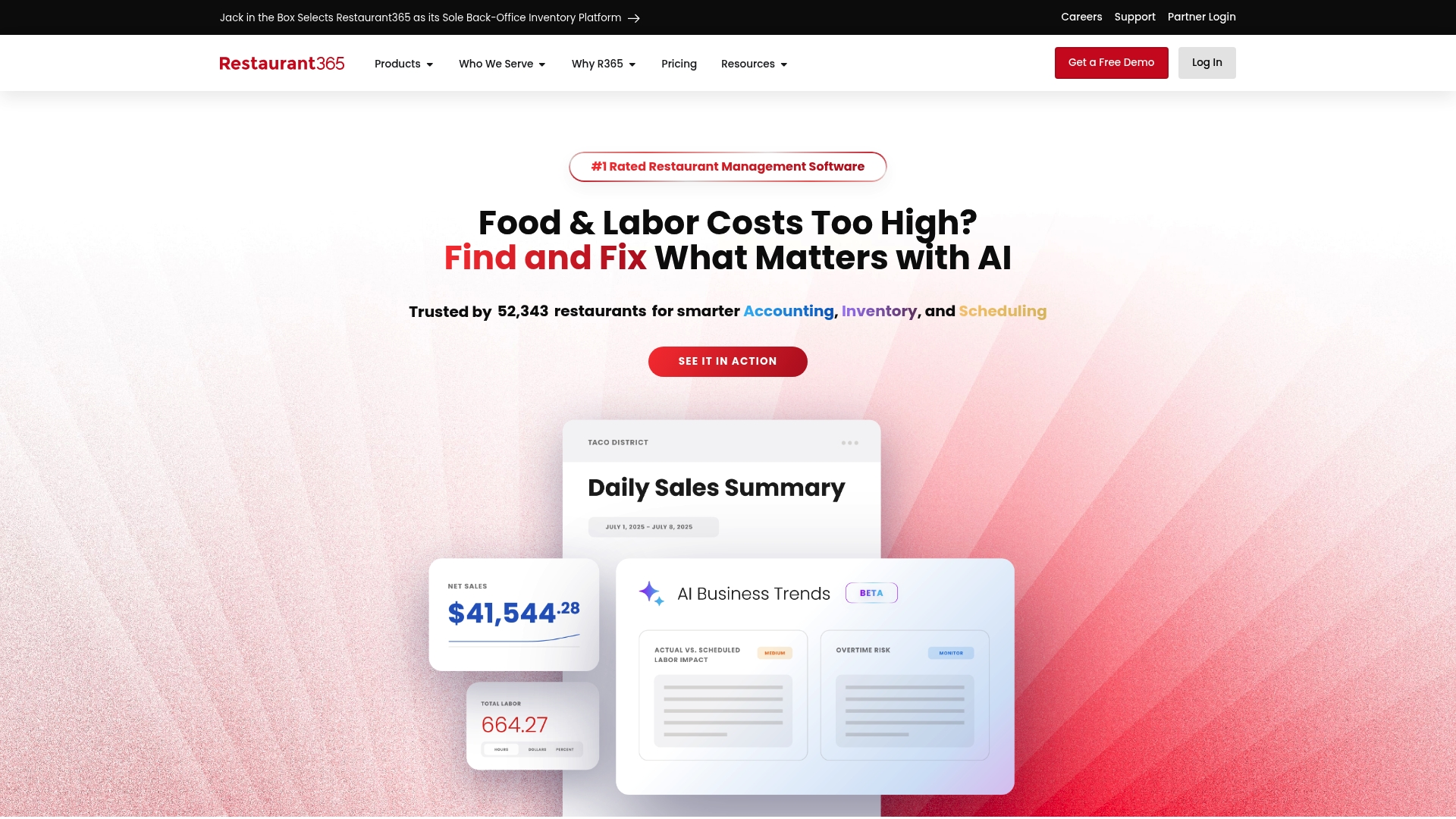
At a Glance
Restaurant365 is an all in one restaurant management platform that brings accounting, inventory, scheduling and payroll into a single view. For UK independent restaurants seeking deeper cost visibility it offers powerful reporting and AI powered automation to reduce back office time.
Core Features
Restaurant365 combines Accounting with real time financials and customised reports with Inventory and Purchasing management that tracks food cost continuously. It includes Workforce Management for rotas and tasks plus Payroll and HR automation to keep payroll compliant and quicker to process.
Pros
- Integrated platform: Multiple back office functions sit in one place so you avoid juggling separate spreadsheets and systems.
- AI powered automation: Automated invoice and task workflows reduce administrative time and lower the chance of manual errors.
- Suitable for many formats: The platform supports a wide range of restaurant types and sizes from casual sites to multi site operations.
- Mobile visibility: The mobile app gives managers on shift access to key figures and team communication in English and Spanish.
- Proven results: Case studies and broad customer adoption point to measurable cost savings and improved reporting.
Cons
- Training requirement: The large feature set demands time and training for teams unfamiliar with integrated management systems.
- Opaque pricing: The website does not list specific prices so budgeting requires direct contact with sales.
- Potential overkill for very small sites: Single site or very small independent restaurants may find the platform more complex than their needs.
Who It's For
Restaurant365 fits owners and managers who need a single source of truth for finances and operations and who plan to grow or manage multiple sites. It suits operators who want to reduce food and labour cost leakage and who can commit to a short training phase.
Unique Value Proposition
The product centralises finance and operations so you get real time insight into margins and purchasing behaviour without pulling together separate reports. That single dataset makes comparing suppliers and weeks far quicker and gives you clearer levers to control spend.
Real World Use Case
A franchise brand deploys Restaurant365 across multiple locations to unify accounting, inventory, scheduling and payroll. The result is faster month end, fewer ordering mistakes, and consistent labour reporting that drives cost savings across sites.
Pricing
Pricing details are available on request and no fixed plans appear on the website. Expect a sales driven quote based on site count and modules required which you should budget for when comparing alternatives.
Website: https://restaurant365.com
MarketMan
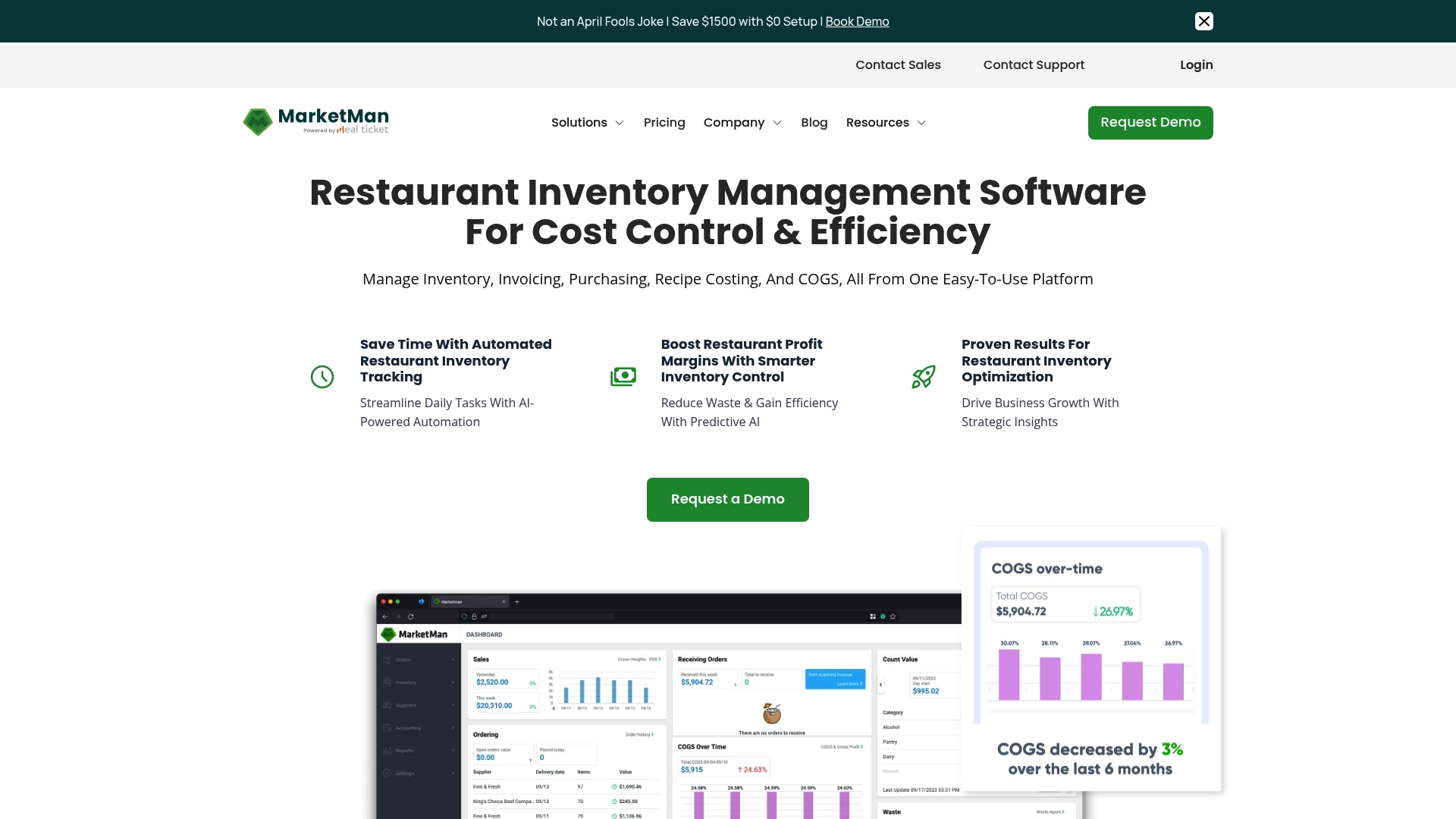
At a Glance
MarketMan is a cloud based platform that centralises inventory, purchasing and recipe costing for restaurants. It combines automated inventory tracking with real time reporting to give managers clearer visibility of food costs and supplier spend.
Takeaway: Try a focused trial to verify cost savings within a single location.
Core Features
MarketMan offers automated inventory tracking driven by AI, detailed recipe breakdowns to calculate ingredient cost, and accounts payable management that links to accounting systems. It also supports online vendor orders and mobile receiving to speed up stock control.
Takeaway: Map current workflows to MarketMan features before committing to a plan.
Pros
-
All in one platform: MarketMan covers inventory, purchasing, recipe costing and expenses in a single interface which reduces the number of separate tools you need to operate.
-
Strong automation: Automated stock updates and real time data cut down manual counting and create weekly spend visibility for operators.
-
Wide integrations: The platform connects with common POS and accounting systems which helps reconcile revenue and purchase data.
-
Scales with growth: MarketMan supports single sites and multi unit groups so it suits independent sites planning to expand.
-
Proven adoption: Over 15,000 restaurants use the platform which indicates commercial resilience and sector familiarity.
Takeaway: Use integrations first to link sales and purchases and measure early impact.
Cons
-
Pricing can rise for larger deployments which makes the total cost higher for enterprise level operations.
-
Implementation and staff training are required to get the platform working well and to avoid data entry errors.
-
Important extras such as vendor EDI and open API access are charged as paid add ons which increases ongoing costs.
Takeaway: Factor onboarding time and add on fees into your first year budget.
Who It's For
MarketMan suits restaurateurs and foodservice operators who want to reduce food cost leakage and gain weekly spend clarity. It works best for teams prepared to invest in setup and training to achieve accurate inventory discipline across sites.
Takeaway: Choose MarketMan if you plan to centralise purchasing and monitor margins closely.
Unique Value Proposition
MarketMan’s advantage lies in combining real time recipe costing with automated purchasing and vendor management, so menu decisions tie directly to supplier prices. That single source of truth helps managers act on margins rather than guesswork.
Takeaway: Use recipe costing to test menu changes against actual supplier costs.
Real World Use Case
A multi site restaurant group used MarketMan to consolidate inventory across locations, automate ordering and reduce over ordering. The result was lower food waste and clearer procurement decisions driven by weekly spend reports.
Takeaway: Pilot MarketMan on sites with the highest food cost variance.
Pricing
MarketMan lists a Starter plan at $199 per month, a Growth plan at $249 per month, and an Enterprise plan with custom pricing for larger operations. Add on fees apply for certain integrations and API access.
Takeaway: Compare first year costs including training and add ons before signing.
Website: https://marketman.com
MarginEdge
At a Glance
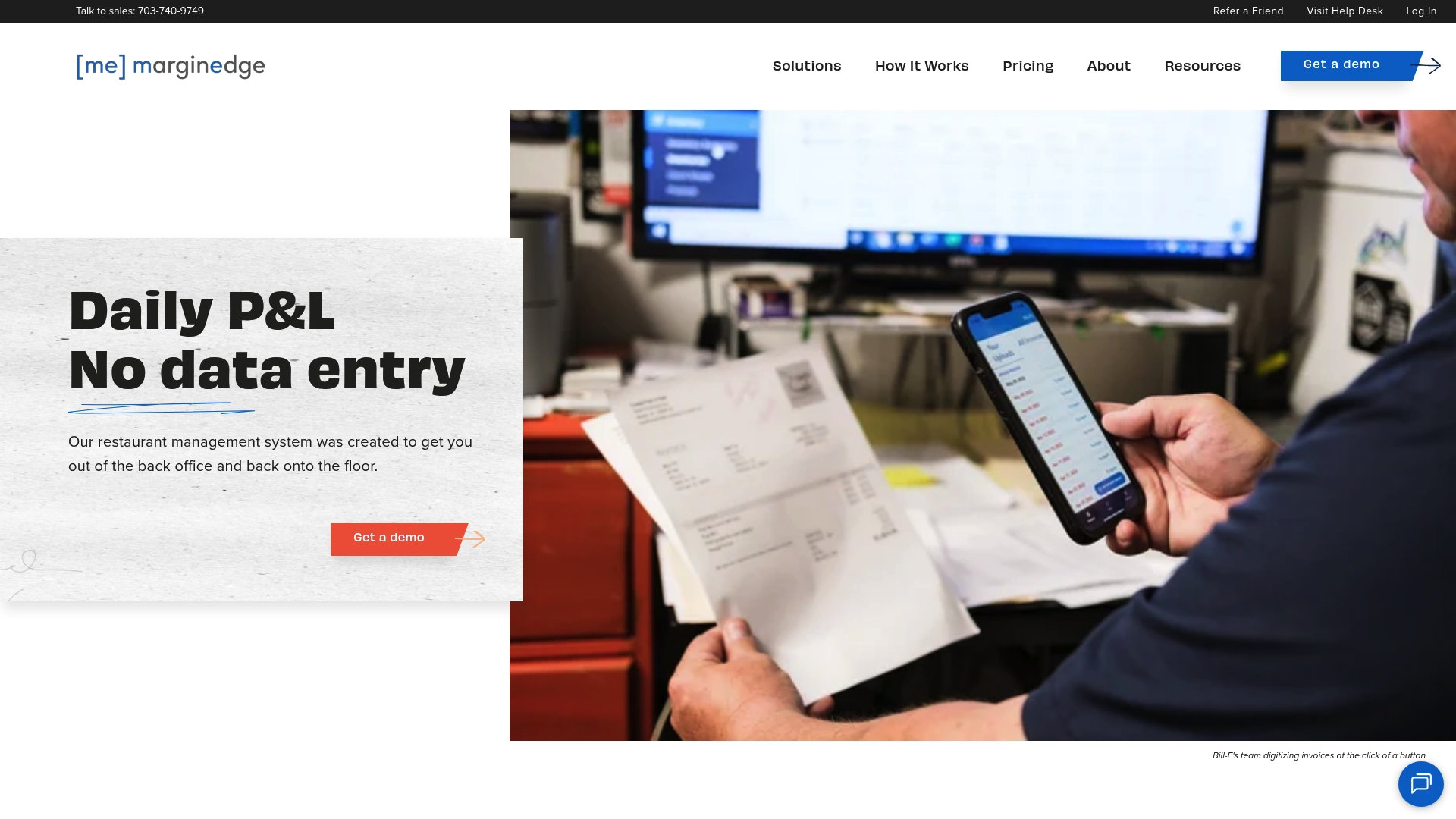
MarginEdge is a restaurant back office platform that converts invoices into clear, actionable cost data and reporting for operators and managers. It focuses on invoice automation, cost control, and inventory tools to give you near real time visibility over spend.
The platform presents data in a user friendly dashboard so you can spot supplier cost changes and menu pressures quickly and act before margins erode.
Core Features
MarginEdge delivers automated invoice processing, bill payments with free vendor statement reconciliation, and a suite of cost management tools that track food usage and food cost percentage. It also provides inventory and ordering controls alongside recipes and menu analysis for profitability insights.
These features tie into accounts payable automation so your finance team sees fewer manual entries and your managers see weekly spend reports without spreadsheet work.
Pros
-
Transparent pricing model: The all inclusive pricing is straightforward so you avoid surprise fees and can budget per location with clarity.
-
Restaurant focused feature set: The platform bundles inventory, recipes, ordering and invoice automation that match common back office workflows in pubs and independent restaurants.
-
User friendly interface: Managers report quick adoption because dashboards and reports present key figures without complex configuration.
-
Strong integrations: The product integrates with common accounting and payment systems which reduces double entry for your accounts team.
-
No contracts and unlimited processing: You can process unlimited invoices and bill pay with no long term contract which helps seasonal or small operators.
Cons
-
Higher cost for very small sites: The price point may be expensive for single unit or very small restaurants when compared with lightweight bookkeeping tools.
-
Additional modules needed for some functions: Certain advanced features require extra modules or bundles which increases total cost beyond the base fee.
-
Limited front of house coverage: The system concentrates on back office needs and does not replace full front of house point of sale features or floor management tools.
Who It's For
MarginEdge suits restaurant operators, general managers and franchise groups who need an all in one back office solution to reduce manual accounting tasks and gain weekly cost clarity. It particularly fits multi unit operators who need consistent processes across sites.
If you run a single small cafe with minimal invoices, the price may not align with your budget or needs.
Unique Value Proposition
MarginEdge specialises in turning invoices and purchase data into weekly spend reports and menu profitability insights that are easy to read. The combination of invoice automation, bill payments and recipe analysis provides a single source of truth for food cost monitoring across locations.
That single source helps teams make faster purchasing and menu decisions without chasing receipts or spreadsheets.
Real World Use Case
A small restaurant chain uses MarginEdge to automate invoice capture, reconcile vendor statements and track food cost percentage each week. Managers adjust ordering and swap suppliers based on weekly reports which reduces waste and improves gross profit.
The finance team spends less time on manual entry and more time analysing trends across sites.
Pricing
Base pricing starts at $350 per month per location with additional solutions and bundles available at higher prices such as $500 per month for combined solutions including Freepour. Custom bundles are offered for multi unit groups.
Website: https://marginedge.com
Apicbase
At a Glance
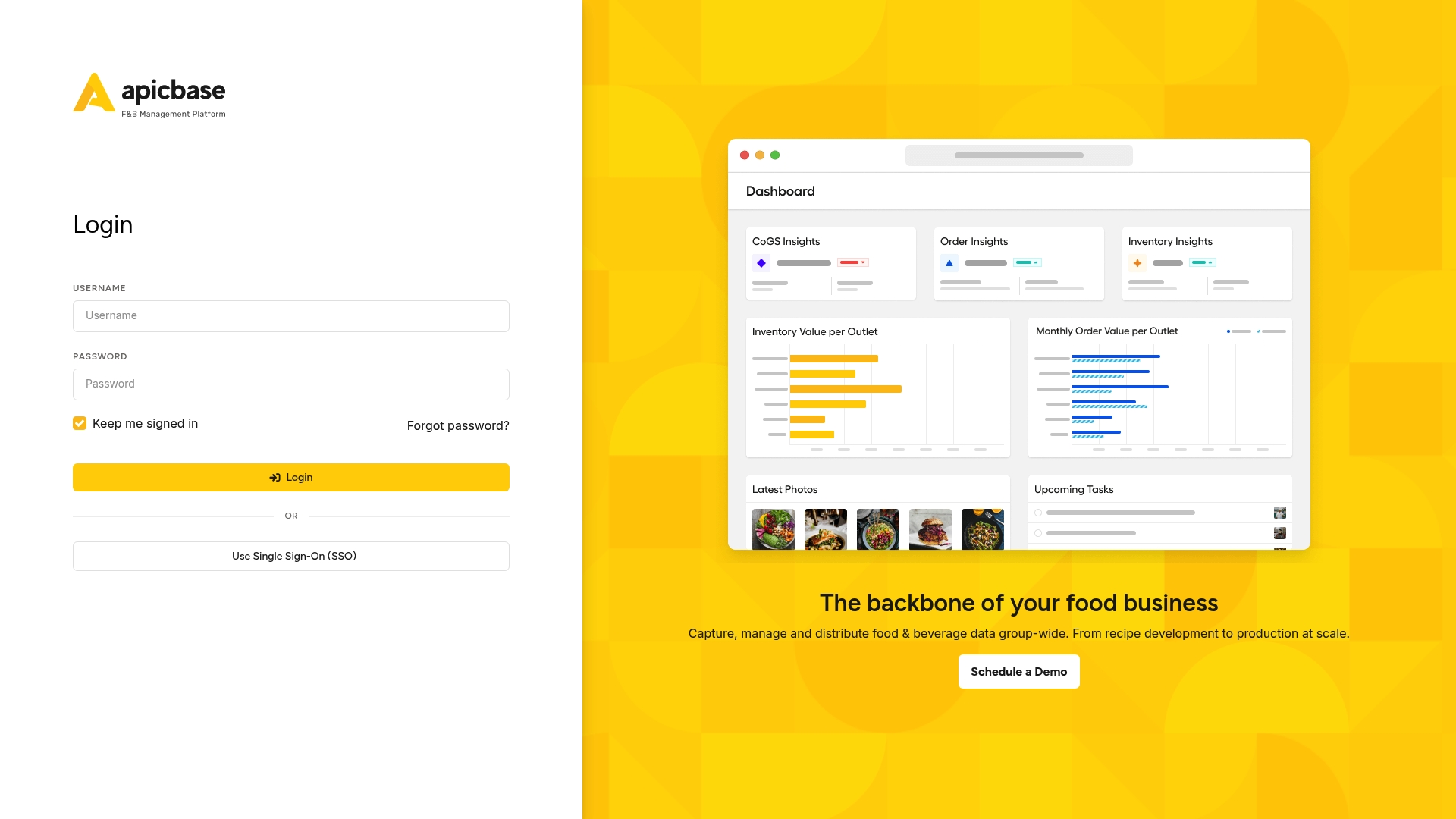
Apicbase is a comprehensive Food and Beverage management platform built to centralise recipe, inventory and compliance data across multi unit operations. It aims to give operators clear visibility of costs and consistency while supporting growth and safety objectives.
Core Features
Apicbase combines recipe management, data driven menu engineering and real time inventory management in a single platform. The suite also includes demand forecasting, procurement workflows, traceability tools such as HACCP and allergen tracking, sustainability metrics and AI driven insights.
Pros
- All in one platform: Covers recipe development, inventory, procurement, compliance and analytics so teams avoid stitching multiple tools together.
- Compliance and sustainability focus: Built in traceability and carbon tracking supports food safety audits and environmental reporting for larger operations.
- Flexible plans: Tiered Growth, Professional and Enterprise options mean businesses can pick capabilities that match their scale and ambitions.
- Integration friendly: An API and integration support allow connection to other systems and custom development when required.
- User friendly analytics: Dashboards present sales, cost and operational metrics in a way that helps managers spot profit leaks quickly.
Cons
- The breadth of features can feel overwhelming for single site or very small operators who only need basic cost tracking.
- Pricing is not listed publicly which requires contacting the sales team to obtain a quote and slows initial evaluation.
- New user onboarding and configuration can be complex for teams without a dedicated operations lead or technical resource.
Who It's For
Apicbase suits business owners and operators of multi unit restaurants, hotel groups and central production units that need centralised control over recipes, procurement and compliance. It fits organisations planning measurable growth and those that demand consistent quality across outlets.
Unique Value Proposition
Apicbase stands out by linking recipe control to procurement and compliance across all outlets so decisions reflect actual ingredient use and supplier performance. That single source of truth reduces recipe variation and helps protect margins when scaling operations.
Real World Use Case
A restaurant group centralises recipe storage and updates in Apicbase, then uses demand forecasting and procurement to buy ingredients at scale. The team monitors food cost trends and compliance reports weekly to maintain consistent dishes and improve profitability.
Pricing
Pricing is available on request and the platform offers Growth, Professional and Enterprise plans with additional add ons available for advanced features and integrations.
Website: https://apicbase.com
Crunchtime
At a Glance
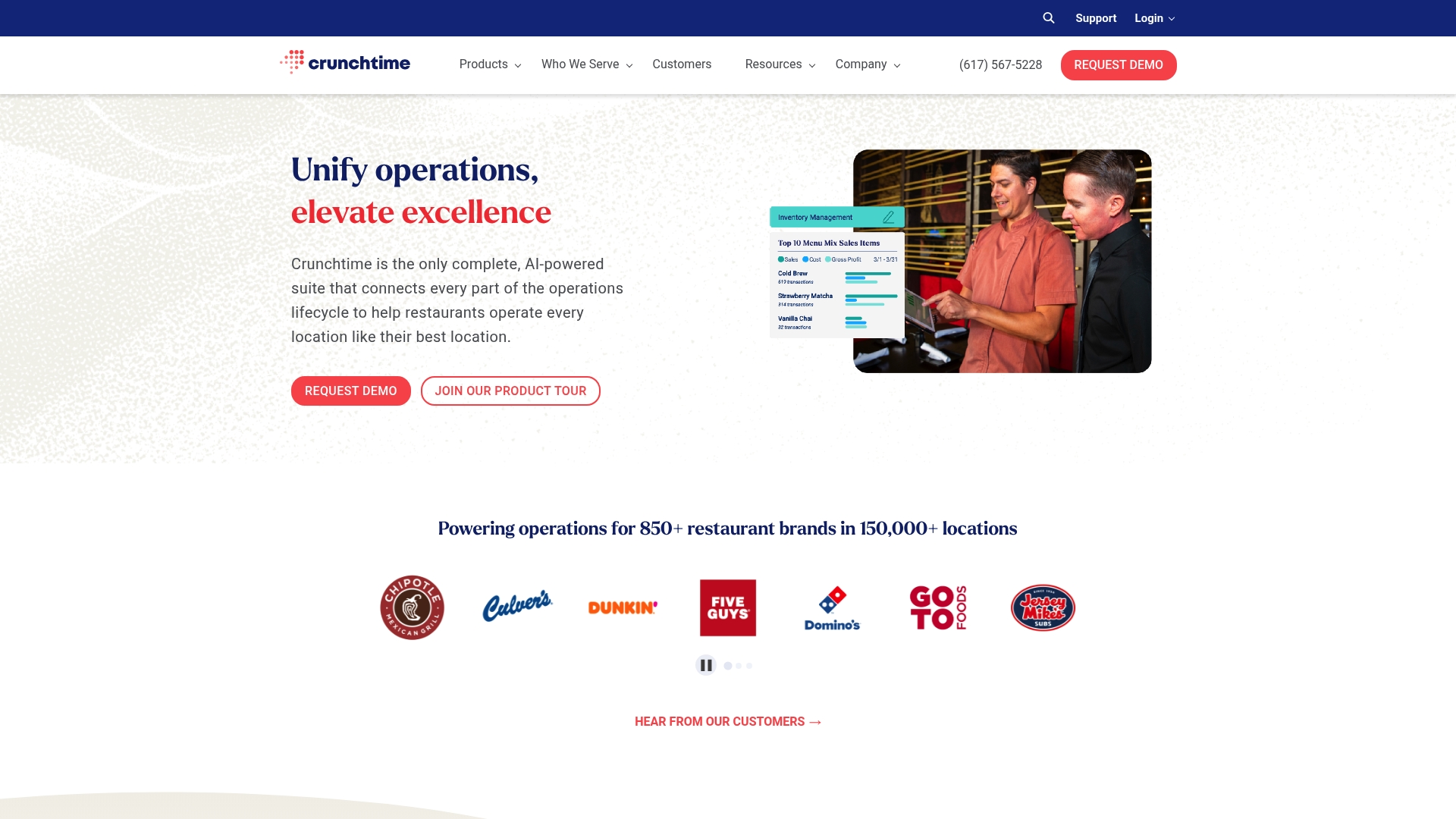
Crunchtime bundles core restaurant operations into a single suite designed for multi unit brands seeking tighter cost control and consistent service. It leans on AI driven forecasting and real time data to turn daily tasks into measurable outcomes.
Core Features
Crunchtime offers Inventory Management with AI driven forecasting to reduce waste and control food cost. It also provides Labour & Scheduling tools, operations execution checklists, kitchen management functions, guest management, learning and development, and operational intelligence for reporting.
Pros
-
Unified platform: It integrates inventory, labour, kitchen and guest workflows into one place so teams see the full picture without switching tools.
-
AI forecasting: The platform uses AI to forecast demand and staffing needs which helps reduce over ordering and over staffing.
-
Restaurant specific processes: It supports industry workflows such as ticket time reduction and daily audits which align with how kitchens operate.
-
Proven adoption: Major brands trust the platform which indicates measurable return on investment for larger operations.
-
Real time visibility: Live data on spend and performance gives managers actionable insight during service.
Cons
-
Training requirement: The suite s complexity means staff and managers will need structured onboarding and time to become proficient.
-
Integration setup time: Connecting existing point of sale and accounting systems requires configuration which may delay full value realisation.
-
Opaque pricing: Pricing is not detailed on the website so budgeting requires direct contact and a demonstration.
Who It's For
Crunchtime suits restaurant chains and multi unit operators who run several sites and need centralised control of inventory, labour and operations. It benefits teams prepared to invest in training to unlock savings across food cost and staffing levels.
Unique Value Proposition
Crunchtime combines operations execution with forecasting and learning tools so managers translate insight into repeatable practices. Its strength lies in joining forecasting with day to day task management so gains in efficiency persist across locations.
Real World Use Case
A restaurant chain uses Crunchtime to automate sales forecasting and reduce waste by aligning inventory purchases to predicted demand. The same chain applies the scheduling module to reduce labour cost while maintaining cover at peak times leading to improved profitability and customer satisfaction.
Pricing
Pricing information is not specified on the website and interested users are invited to contact Crunchtime for a demo and a tailored quote. This means you will need to allow time for vendor meetings when planning budgets.
Website: https://crunchtime.com
_Cor_Tec and _Chef_Tec Software
At a Glance
Culinary Software Services has delivered _Cor_Tec and _Chef_Tec Software since 1990 and presents mature, industry focused tools for food operations. The suite splits into _Cor_Tec for corporate chains and _Chef_Tec for independents, offering deep costing and inventory control.
Core Features
The platform centres on Recipe & Menu Costing, Inventory Control, and Purchasing & Ordering, with added Nutritional Analysis and production workflows. These modules work together to turn ingredient prices and stock movements into actionable management data for kitchens and purchasing teams.
Pros
-
Long track record: The company has more than thirty years of experience which often means stable product development and sector knowledge.
-
Broad capability set: The software covers costing, inventory, nutrition, purchasing and production which reduces the need for multiple point solutions.
-
Scaled product offering: _Cor_Tec targets large corporate operations while _Chef_Tec is aimed at independents and small chains, creating clearer fit by operation size.
-
Industry focus: The product is built specifically for foodservice which aligns feature design with kitchen realities rather than generic accounting tools.
-
Ongoing updates: The vendor highlights continuous innovation and updates which helps the software stay relevant to changing food costs and regulatory requirements.
Cons
-
No public pricing: The website does not list pricing which makes budget planning and vendor comparison harder for smaller operators.
-
Potential complexity: The breadth of features suggests a learning curve and may require training time for chefs and managers new to structured kitchen software.
-
Limited usability detail: Available information does not describe the user interface or ease of daily use which leaves questions about onboarding speed and staff adoption.
Who It's For
This suite suits foodservice professionals who need a purpose built system for menu costing and stock control. It fits owners, catering managers and hotel operations that run multiple sites or handle high volumes of purchasing and production.
Unique Value Proposition
The principal strength is a focused, multi decade product line that separates enterprise and independent market needs. That split, combined with comprehensive features for costing and inventory, positions the suite as a single vendor option for varied food operations.
Real World Use Case
A hotel chain could deploy _Cor_Tec across several properties to standardise recipe costing and centralise purchasing. That approach reduces waste, tightens purchase control and helps finance teams reconcile food spend against revenue.
Pricing
Pricing details are not provided on the website which requires prospective buyers to request a quote or demonstration to obtain subscription and support costs.
Website: https://cheftec.com
Restaurant Management Tools Comparison
Below is a comprehensive comparison table of various restaurant management tools for hospitality operators, outlining their features, advantages, disadvantages, and pricing.
| Product | Key Features | Pros | Cons | Pricing |
|---|---|---|---|---|
| Kosts | AI invoice scanning, Weekly spend reports, Integration with Square and Xero | Easy setup, Affordable pricing, Hospitality-focused | Limited to specific integrations | £29 per month per site |
| Jelly | Invoice automation, Recipe costing, Supplier alerts | Mobile-friendly, Transparent flat-rate pricing, Real-time profitability insights | Setup fee required, High per-site cost | £129 per month per location |
| Restaurant365 | Accounting, Inventory management, Workforce and Payroll solutions | Integrated platform, AI automation, Mobile accessibility | Complex initial training, Opaque pricing | Custom via sales inquiry |
| MarketMan | Automated inventory and purchasing, Recipe costing, Vendor management | Scalable across business sizes, Strong automation, Real-time data | Cost increases with add-ons, Requires training | From $199 per month |
| MarginEdge | Invoice automation, Cost controls, Inventory tools | Transparent pricing, No long-term contracts, User-friendly | Higher base cost for small businesses, Limited front-of-house features | Starting at $350 per month per location |
| Apicbase | Recipe and inventory management, Compliance tracking, Procurement workflows | Strong compliance and sustainability focus, Flexible plans | Consultation required for pricing, Demands initial resources for setup | Available upon inquiry |
| Crunchtime | AI-driven inventory and labor management, Learning and development tools | Unified management platform, Real-time visibility, Proven brand adoption | Requires detailed onboarding, Extensive setup for full integration | Contact for details |
| Chef_Tec / Cor_Tec | Recipe costing, Nutritional analysis, Inventory control | Long-standing reputation, Industry-specific design | No public pricing, May have a learning curve for users | Quote necessary through sales |
Discover a Clearer Way to Control Restaurant Costs
Managing food costs and automating invoice processing are core challenges highlighted in the "Top 8 page.getjelly.co.uk Alternatives 2026" article. Many operators struggle with manual entry, complex setup, and lack of clear weekly insights. Kosts was created to solve exactly these issues for independent restaurants in the UK by transforming invoices into simple, accurate weekly spend reports using AI invoice scanning. With seamless integration to Square and Xero, Kosts gives you the power to track food cost percentage and gross profit without wasting staff time or resources.
Why choose Kosts?
- Fast onboarding with no complex enterprise setup
- Automation that reduces manual reconciliation effort
- Real time visibility for smarter ordering and menu decisions
Take control of your operating costs today with Kosts. See how our easy, chef-built platform can transform your spend management and give you peace of mind. Start your 30-day free trial now at Kosts and experience effortless weekly spend reporting.
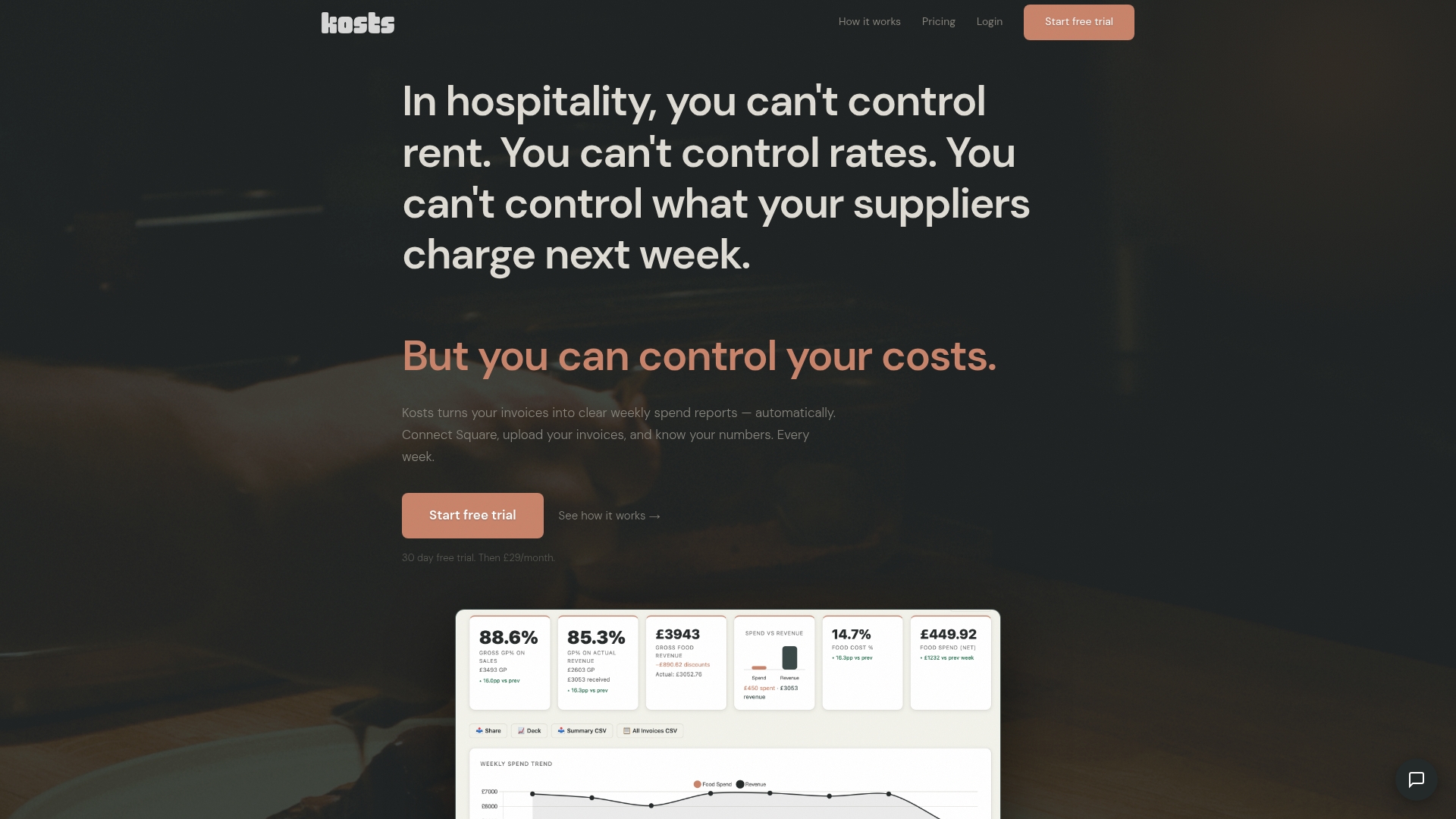
Get started with Kosts to turn your invoices into actionable cost insights without the hassle. Visit https://www.kosts.app/ and simplify your restaurant’s cost control today.
Frequently Asked Questions
What features should I look for in a Jelly alternative for 2026?
To find a suitable alternative, consider features like invoice automation, real-time profitability insights, and user-friendly mobile support. Evaluate each platform for its specific capabilities, focusing on how it can simplify your operational tasks and improve cost control.
How can I assess the pricing of different Jelly alternatives?
Compare the pricing structures of each alternative by looking for flat-rate fees or tiered plans based on usage. Calculate the total expected costs over a six-month period to understand how it fits within your budget and operational needs.
What types of businesses can benefit from using Jelly alternatives?
Jelly alternatives are ideal for food service operators, including restaurants, cafes, and small chains that seek to streamline their back office operations. Identify your specific needs and select a platform designed to meet those operational requirements.
How can implementing a Jelly alternative improve my restaurant's cost control?
Implementing an alternative can enhance cost control by providing clearer visibility into food costs, automating invoice processes, and enabling real-time margin tracking. Engage your staff in training to ensure they are comfortable using the new system, this could result in improved cash flow management within a few operational cycles.
Are there specific integrations I should look for in Jelly alternatives?
Yes, seek alternatives that integrate seamlessly with your existing point-of-sale and accounting systems for smooth data transfer. Ensuring compatibility can reduce manual workload and streamline your reporting processes, enhancing operational efficiency by up to 30%.
How do I choose the right Jelly alternative for my specific needs?
To choose the right alternative, list your must-have features and compare them with what each platform offers. Focus on user reviews and case studies of similar businesses to ensure the alternative aligns with your operational goals.